Choose by purpose
Match the room to the discussion, audience and activity instead of relying only on its name.

LINEWORK
Book a professional room for an everyday meeting, interview or board discussion, find flexible training space, or plan a complete business event.
Match the room to the discussion, audience and activity instead of relying only on its name.
Confirm capacity, layout, equipment, access and guest arrangements before committing.
Book a standard room online or request confirmation for specialist spaces and events.
Add workspace, catering, coordination or LineSupport services separately.
Choose your space
Then compare the number of people, privacy, layout, equipment and time required.
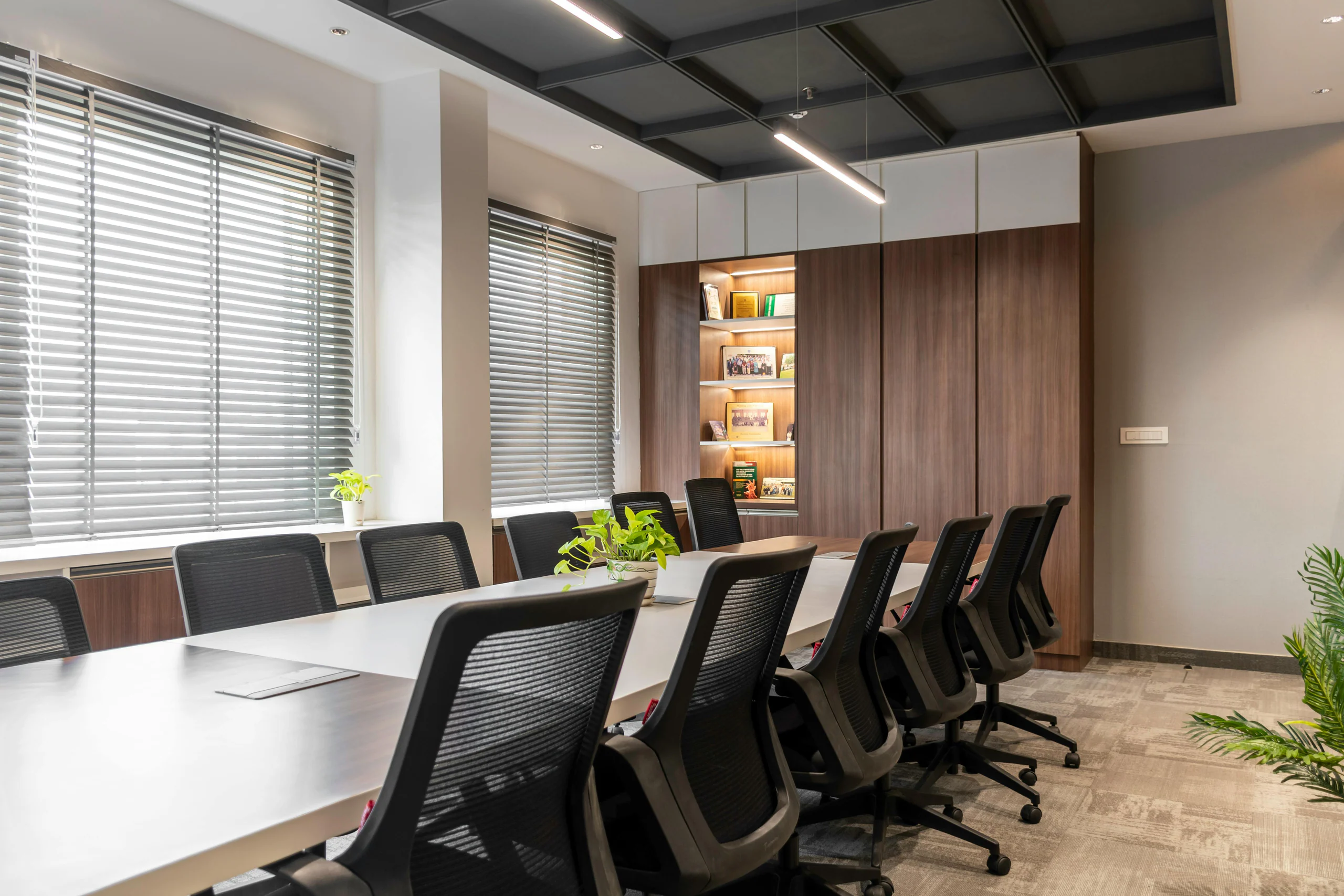
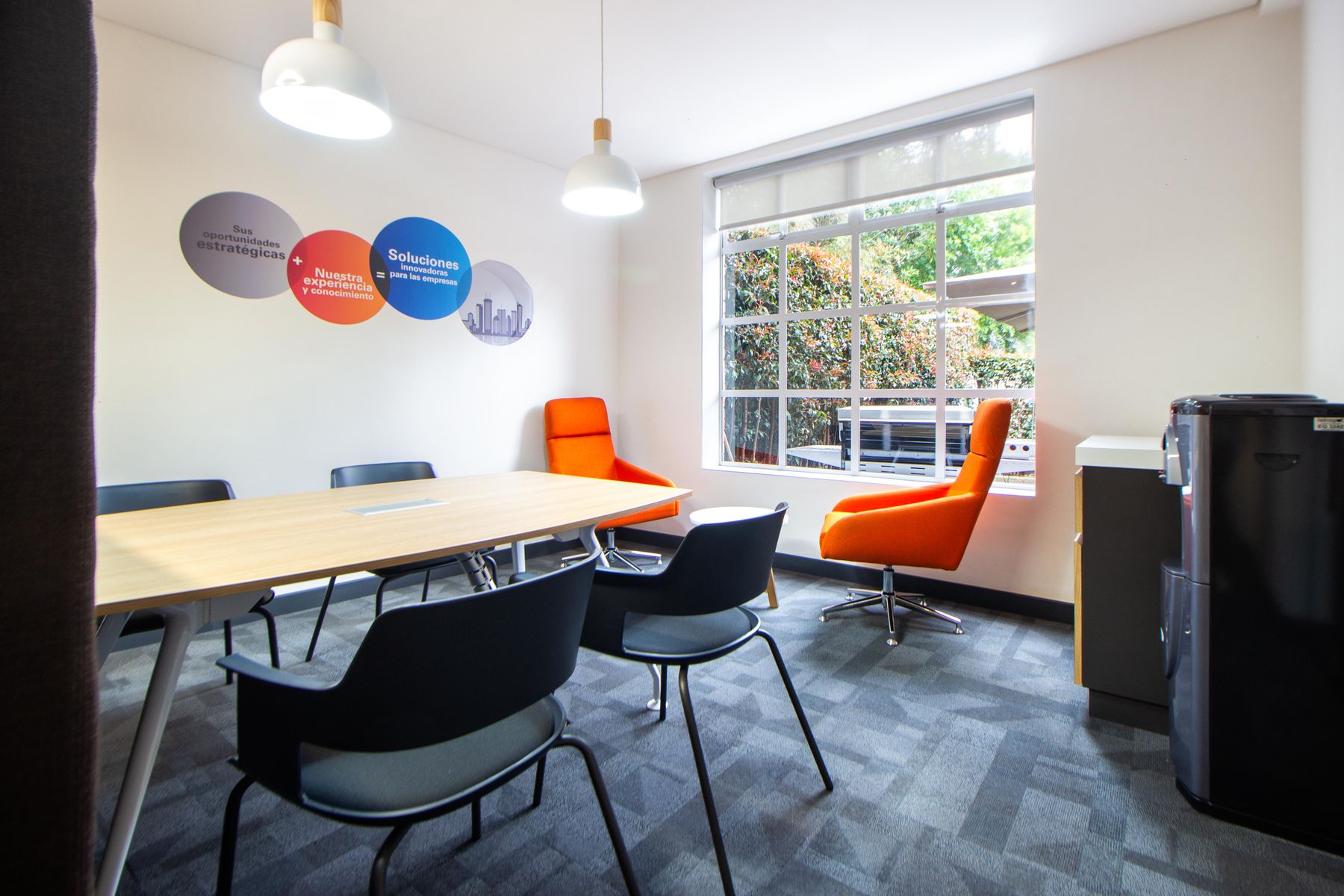
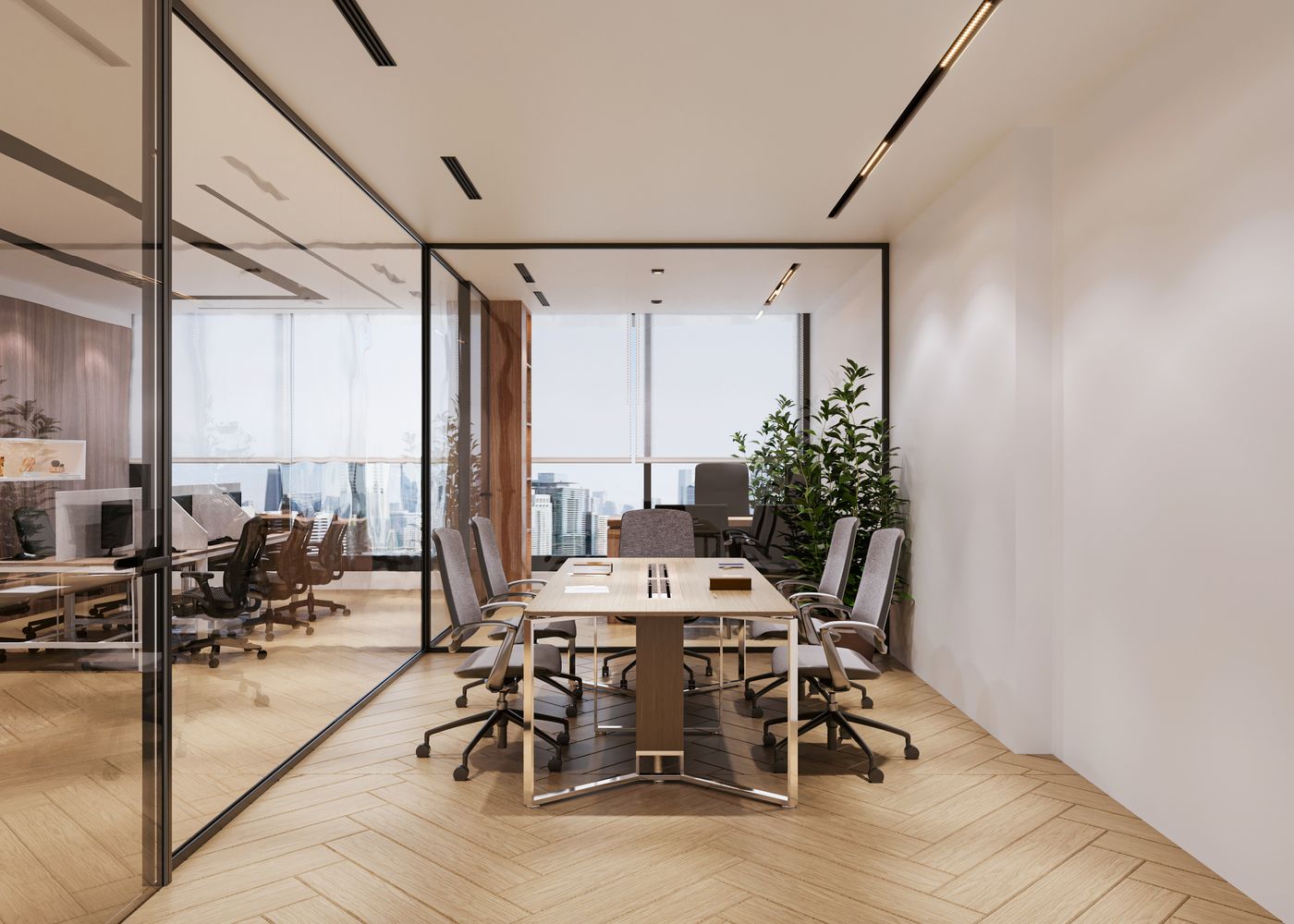
Private rooms for team meetings, client conversations, interviews and professional consultations.
→
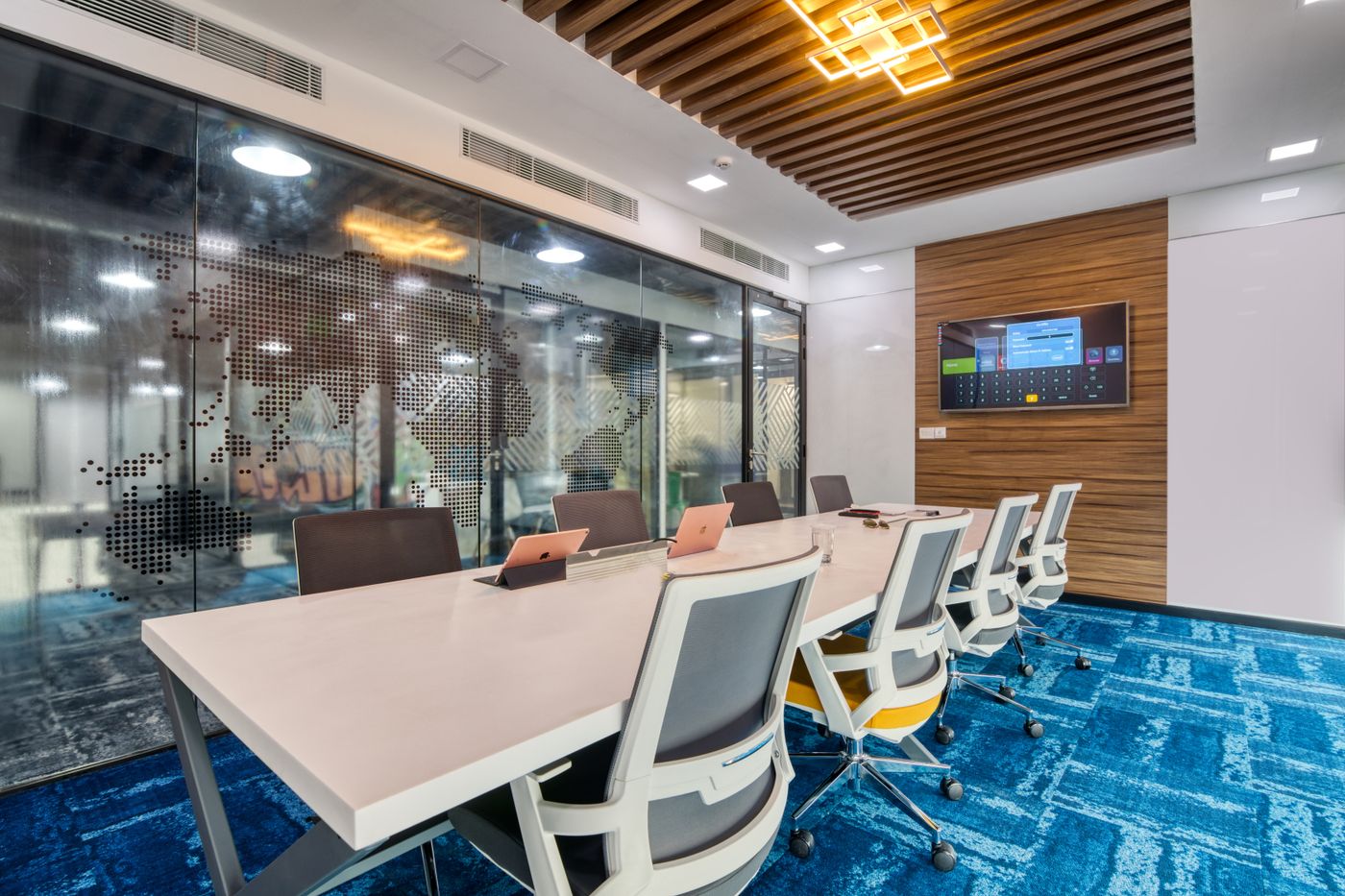
Executive rooms for board discussions, conferences, presentations and important senior-level meetings.
→
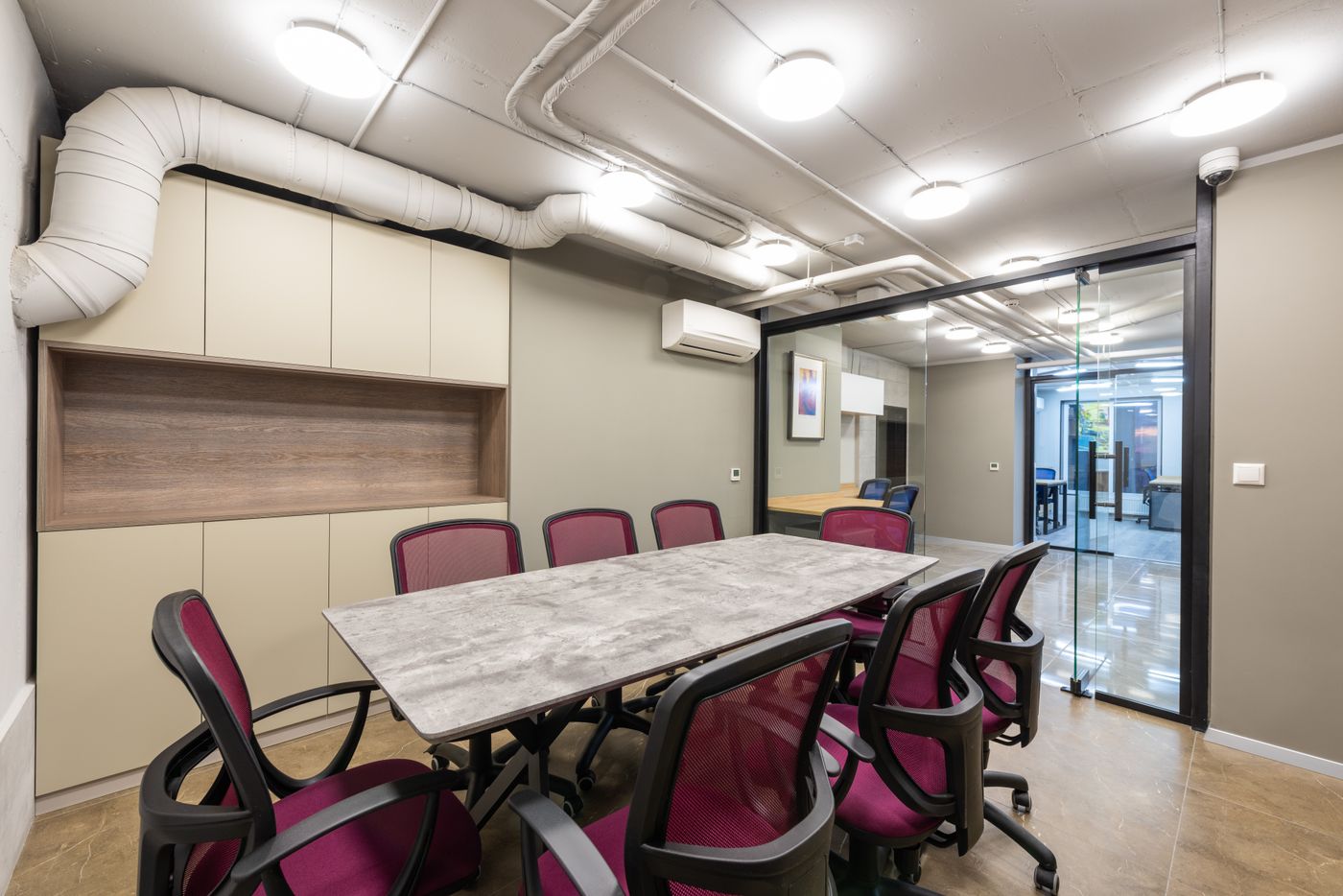
Configurable rooms for staff training, onboarding, certification and classroom-style programmes.
→
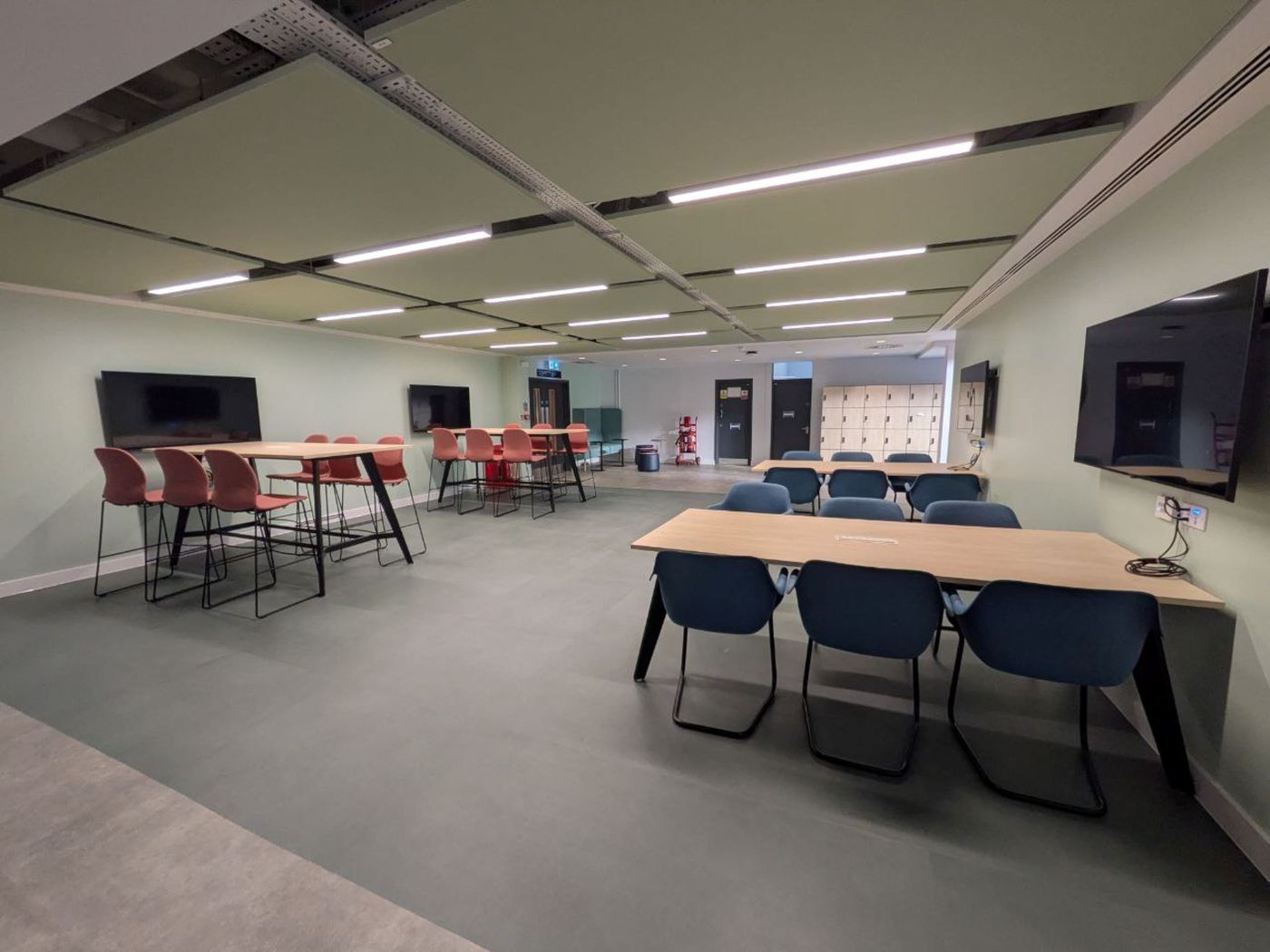
Flexible rooms for facilitated workshops, design sessions, co-creation and practical group activities.
→Quick comparison
Compare purpose, capacity and format before checking locations and availability.
| Space type | Best for | Typical booking | Next step |
|---|---|---|---|
| Meeting Room | Team and client conversations | Hourly or session booking | Book online |
| Executive Rooms | Formal meetings and larger groups | Hourly, half-day or full-day | Choose a room |
| Training Rooms | Learning and facilitated programmes | Session or day booking | Check availability |
| Workshop & Collaboration | Group exercises and hands-on teamwork | Session, day or recurring | Check availability |
| Event Spaces | Launches, talks and business gatherings | Tailored event booking | Plan an event |
Choose a market
Choose a market, then select the area. Book an available room online or request current availability.
What to expect
Facilities and access conditions vary by location. The selected page and booking confirm the final inclusions.
A private room, collaboration space or venue matched to the confirmed number of attendees.
Seating, tables and the approved room configuration shown for the selected space.
The screens, whiteboards and conferencing tools stated for the selected room.
Clear access instructions, guest arrangements, setup time, booking end and extension rules.
How to get started
Standard rooms can be booked online. Specialist spaces and events need a few more details.
Choose the room and review what is included, then pay and receive confirmation.
For a particular layout, equipment requirement or another business area.
Share the programme, guest count and practical requirements before confirmation.
Pricing
The final amount is confirmed for the selected space, date and requirements.
Business district, building, capacity, privacy and room standard.
Meeting time, setup, rehearsal, breaks, pack-down and after-hours access.
Furniture changes, displays, microphones, conferencing tools and technical support.
Catering, reception, registration, security, cleaning and supplier requirements.
Our locations
Choose a business area to see relevant rooms, local access information and the right next step.

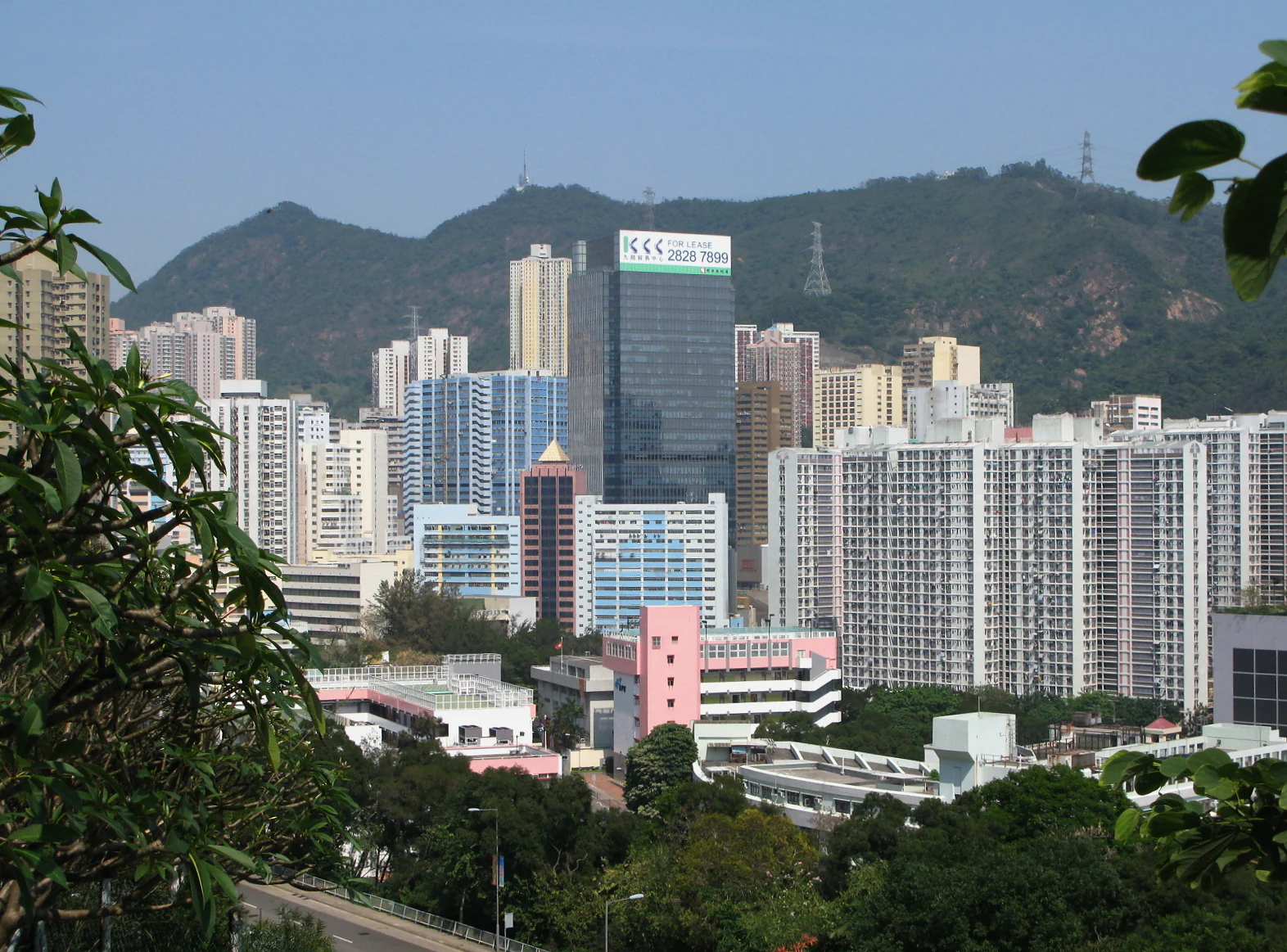
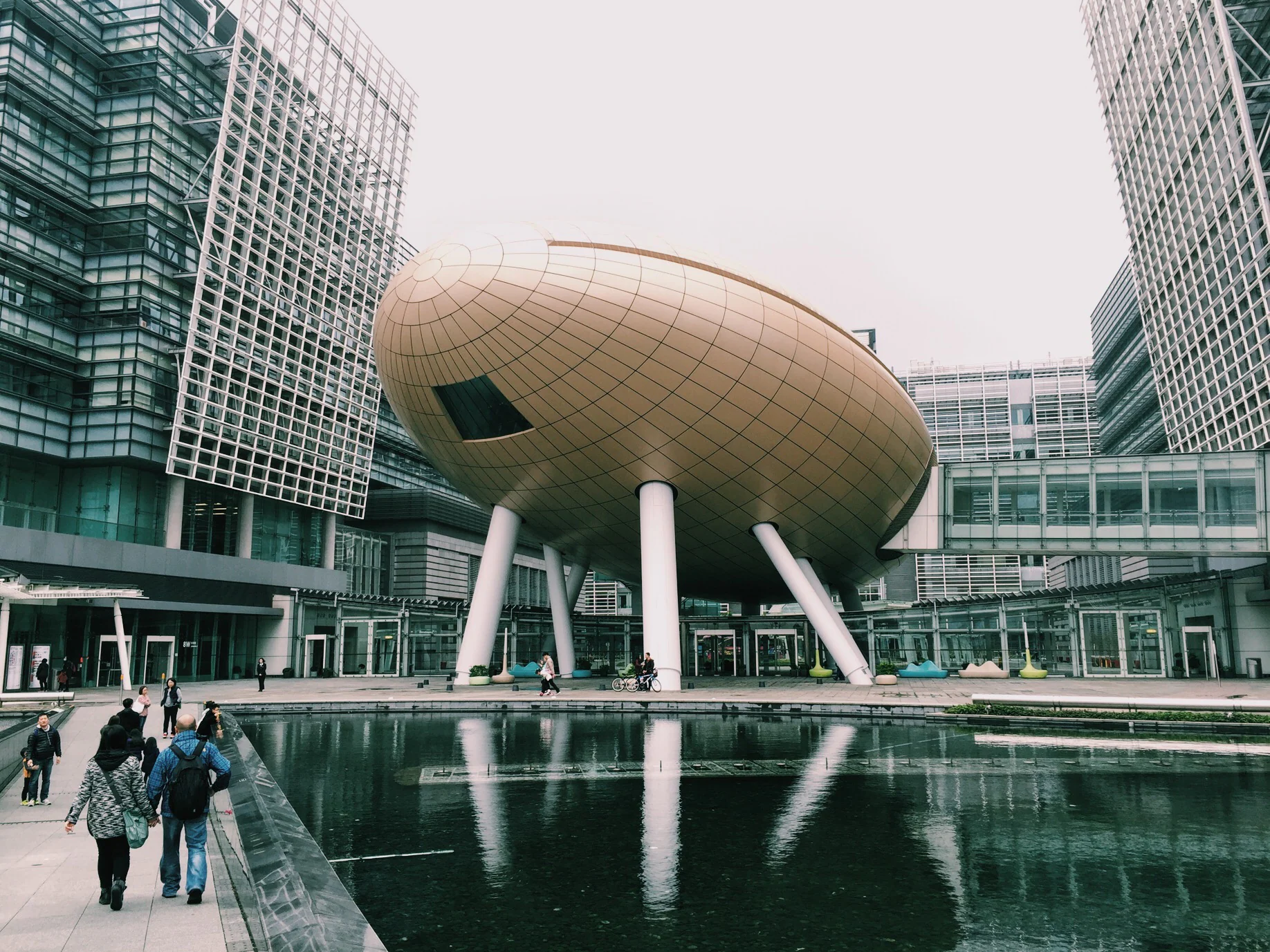
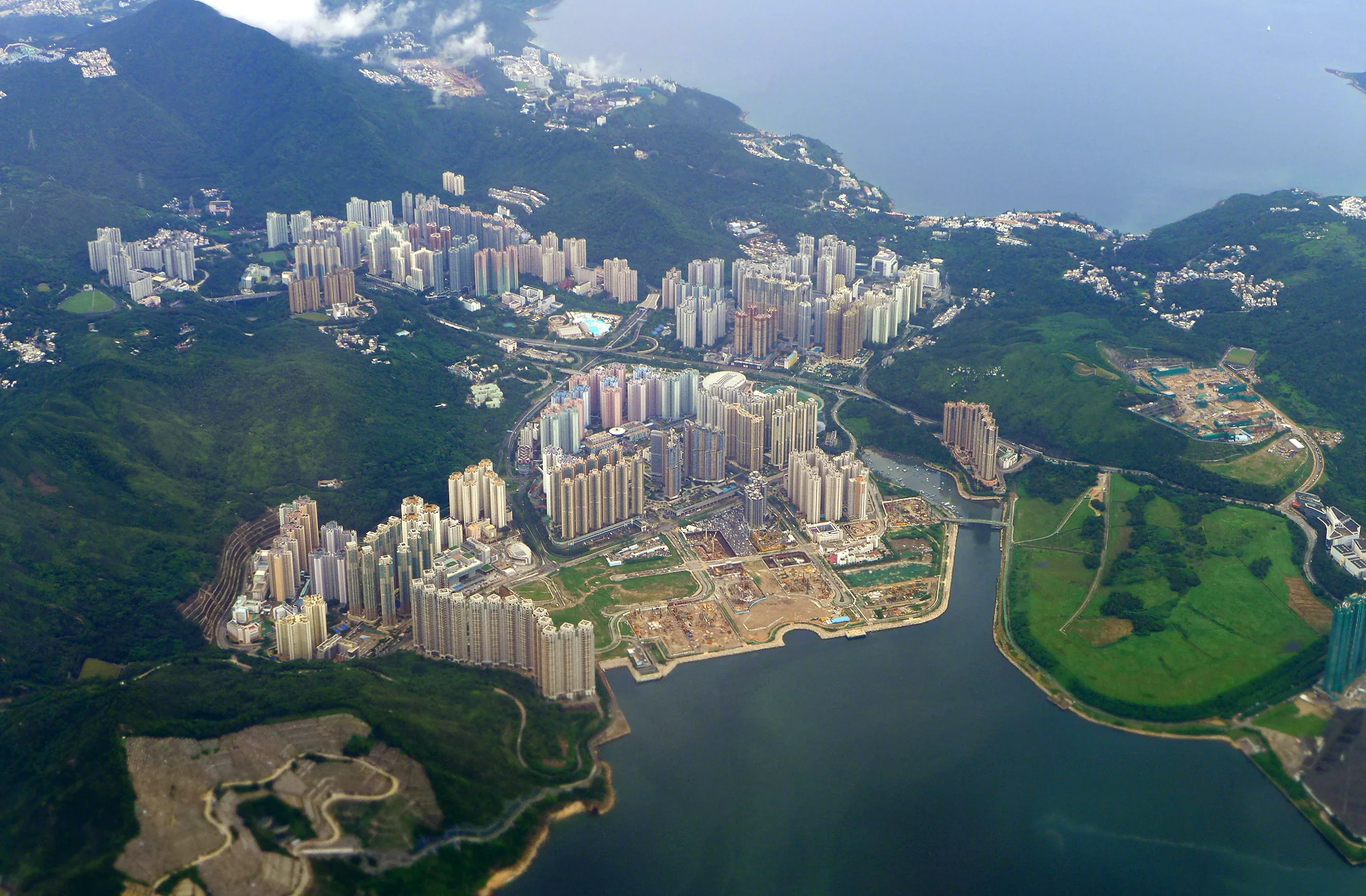
Explore meeting rooms across Hong Kong Island, Kowloon and the New Territories.
 Workspace in CentralExplore ›
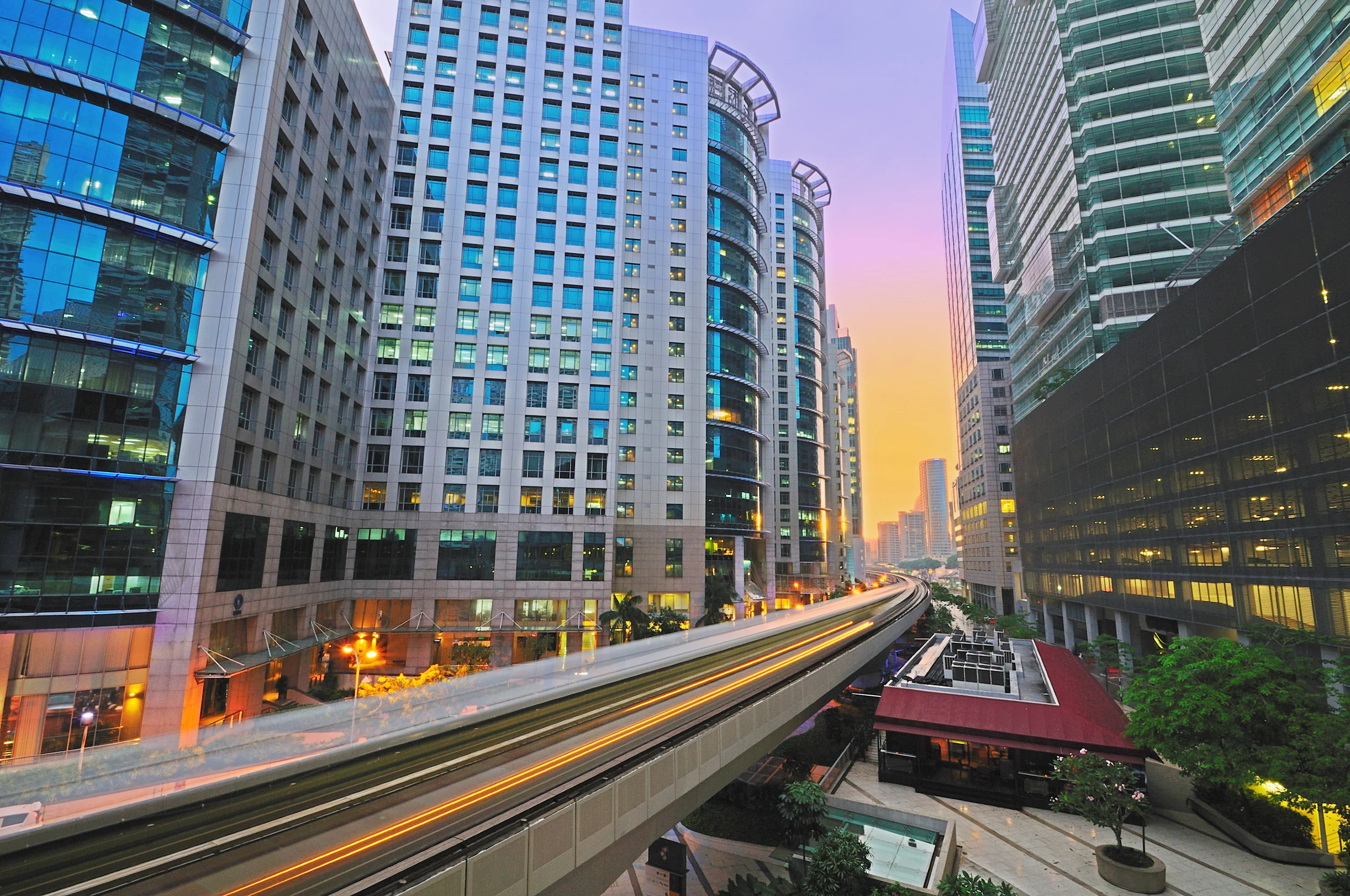 Workspace in AdmiraltyExplore ›
 Workspace in Sheung WanExplore ›
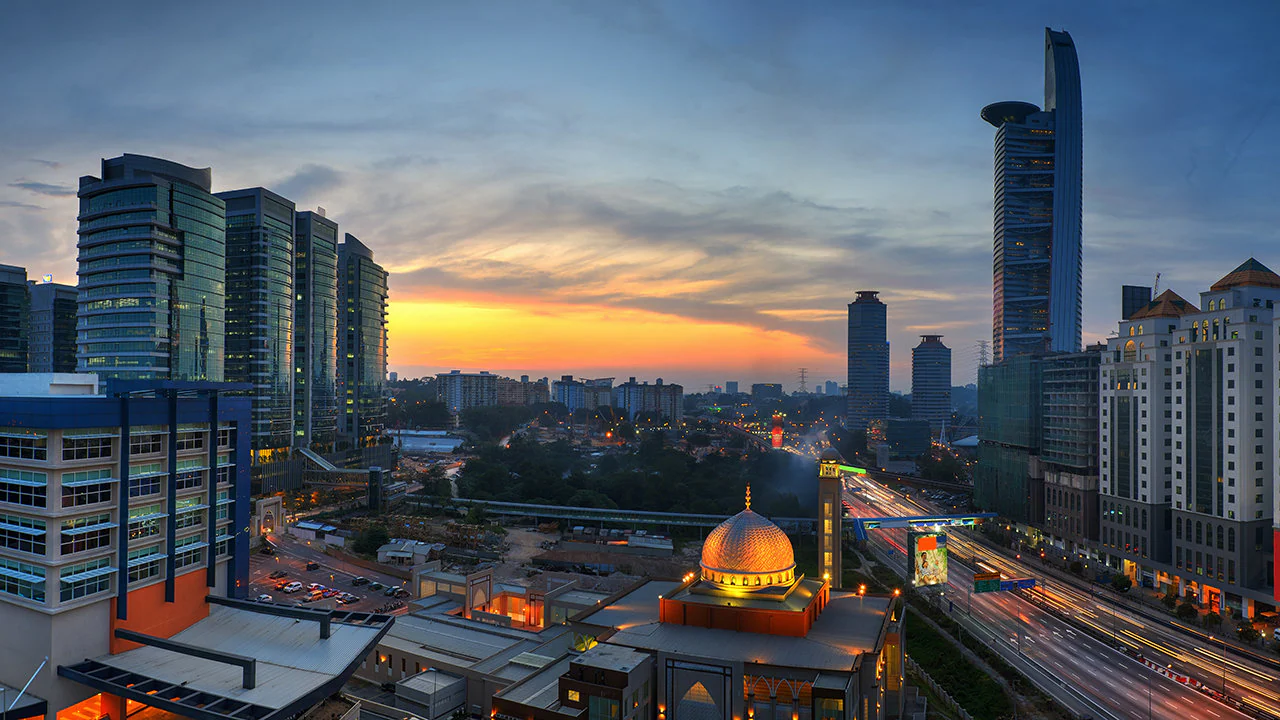 Workspace in Wan ChaiExplore ›
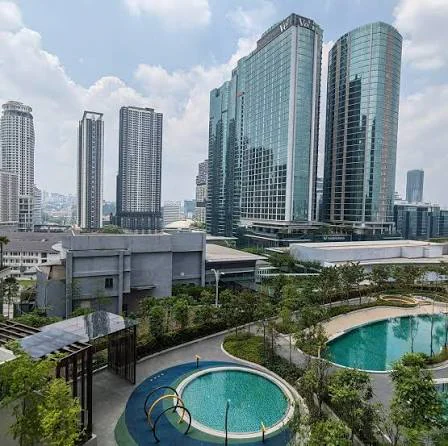 Workspace in Causeway BayExplore ›
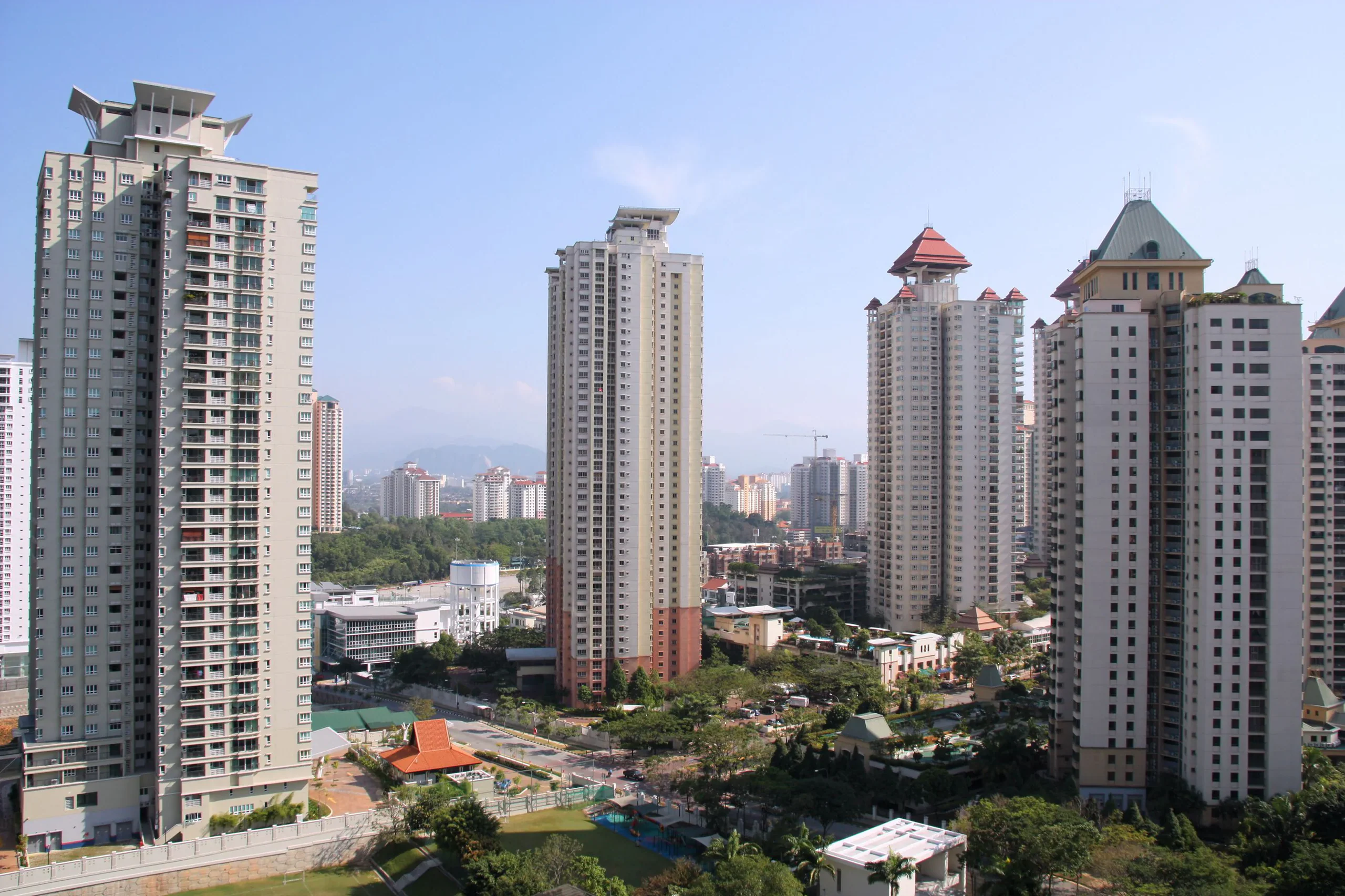 Workspace in North PointExplore ›
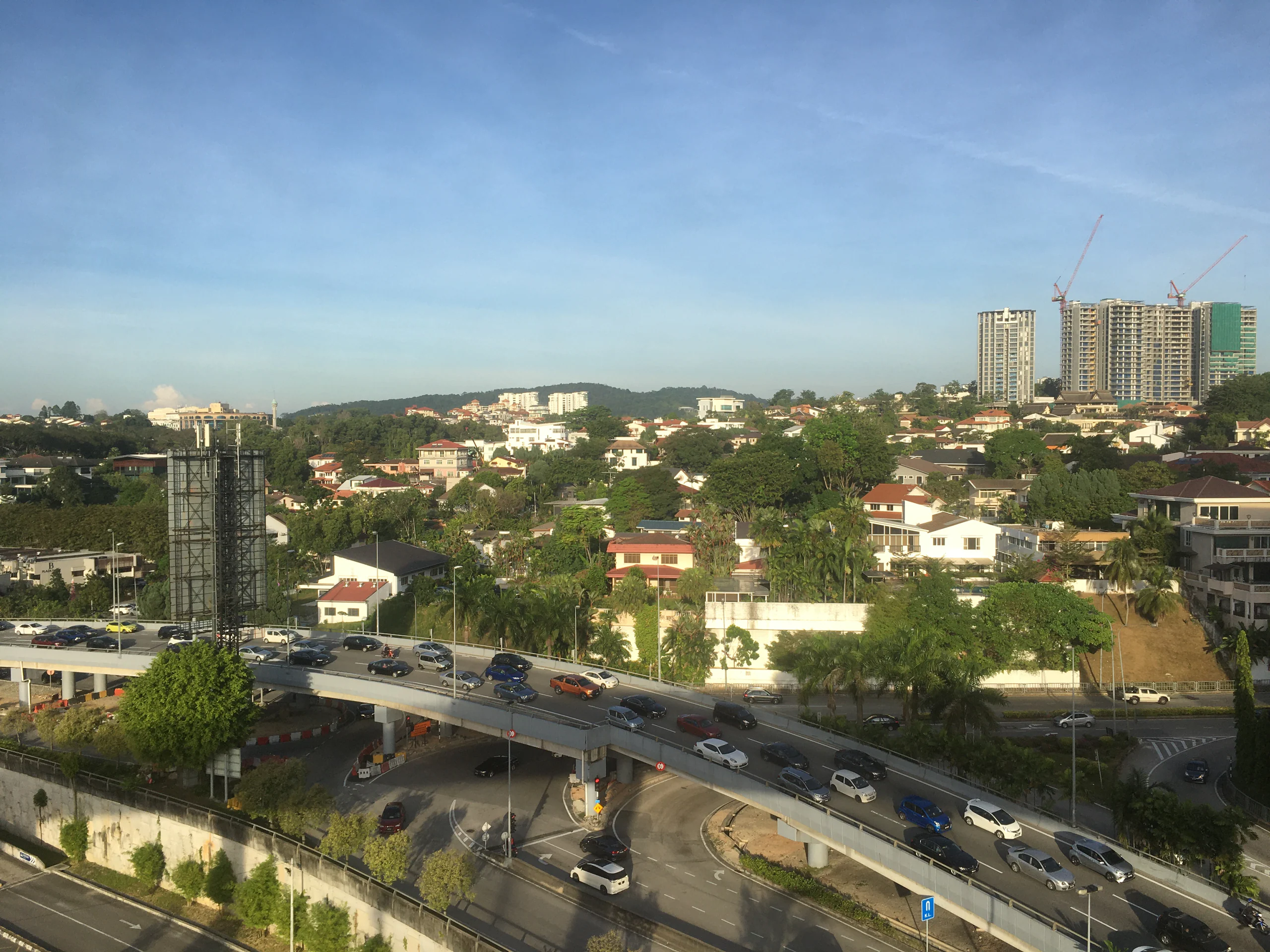 Workspace in Quarry BayExplore ›
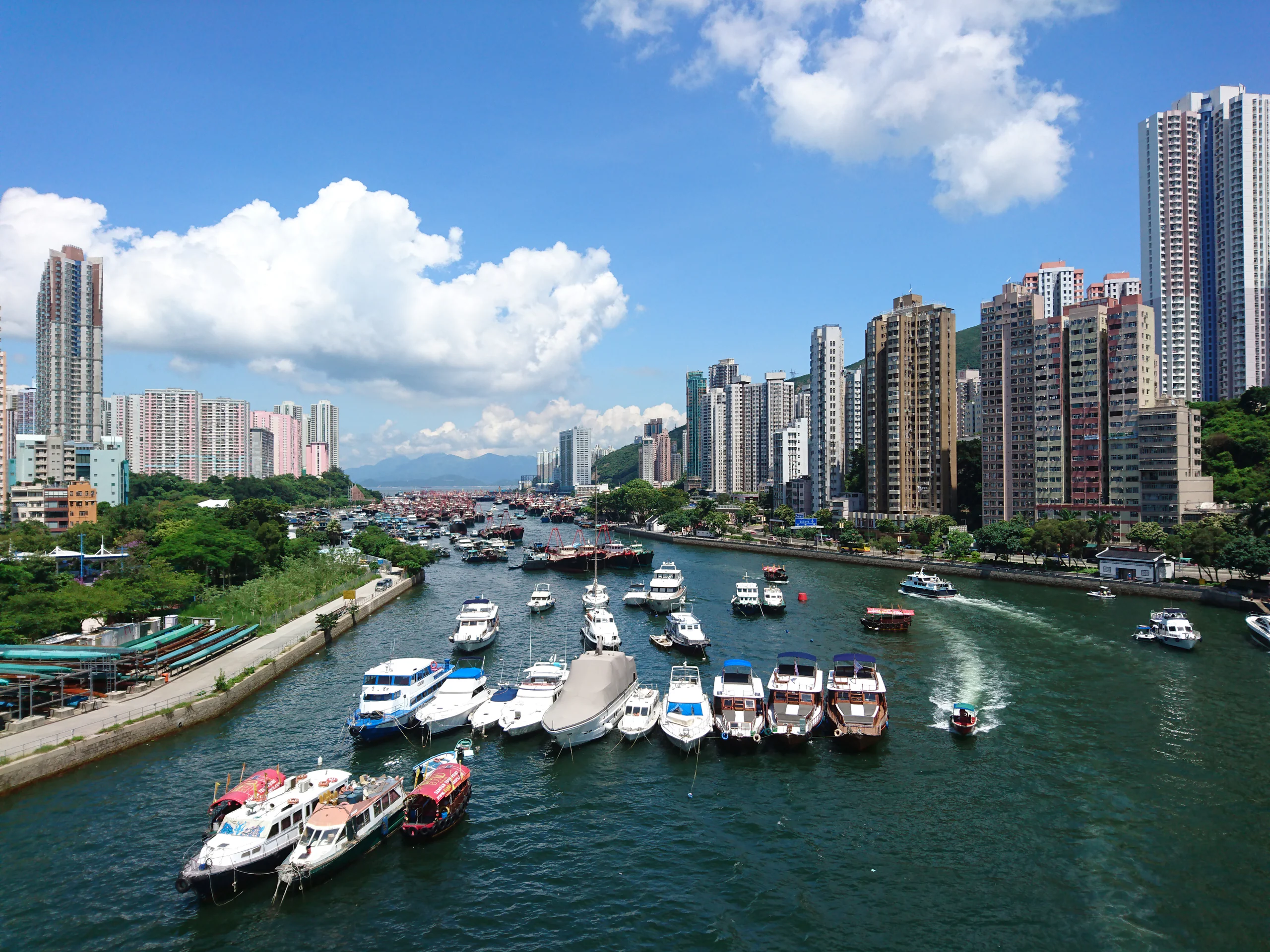
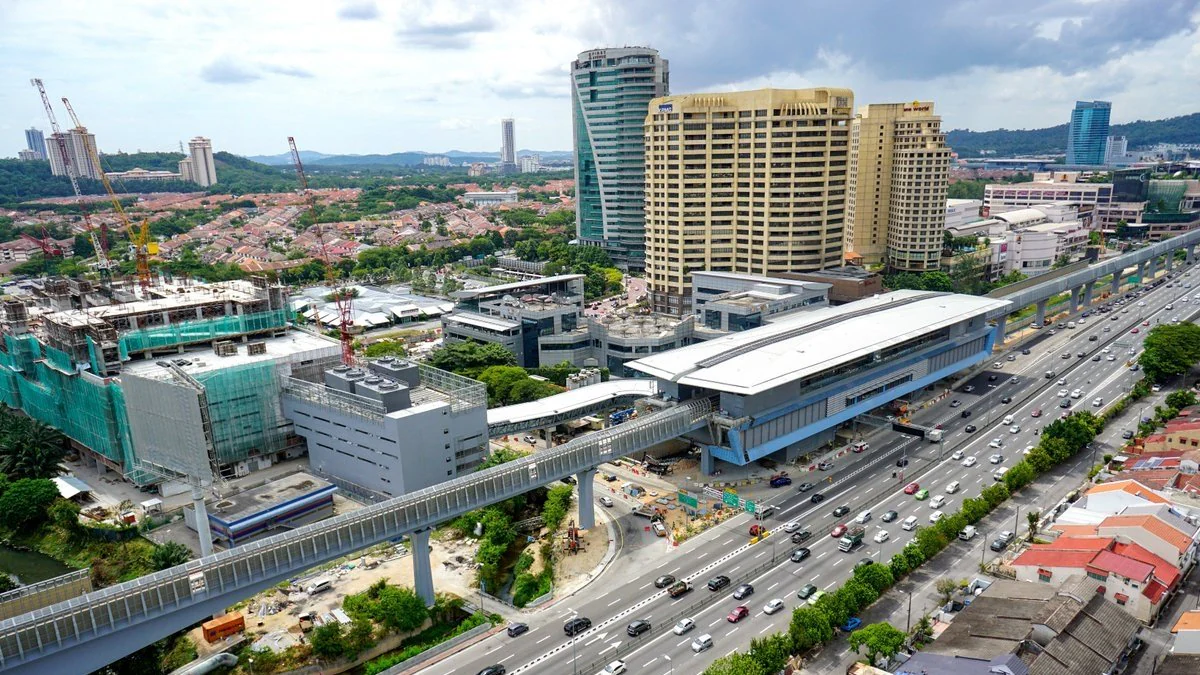 Workspace in Wong Chuk HangExplore ›
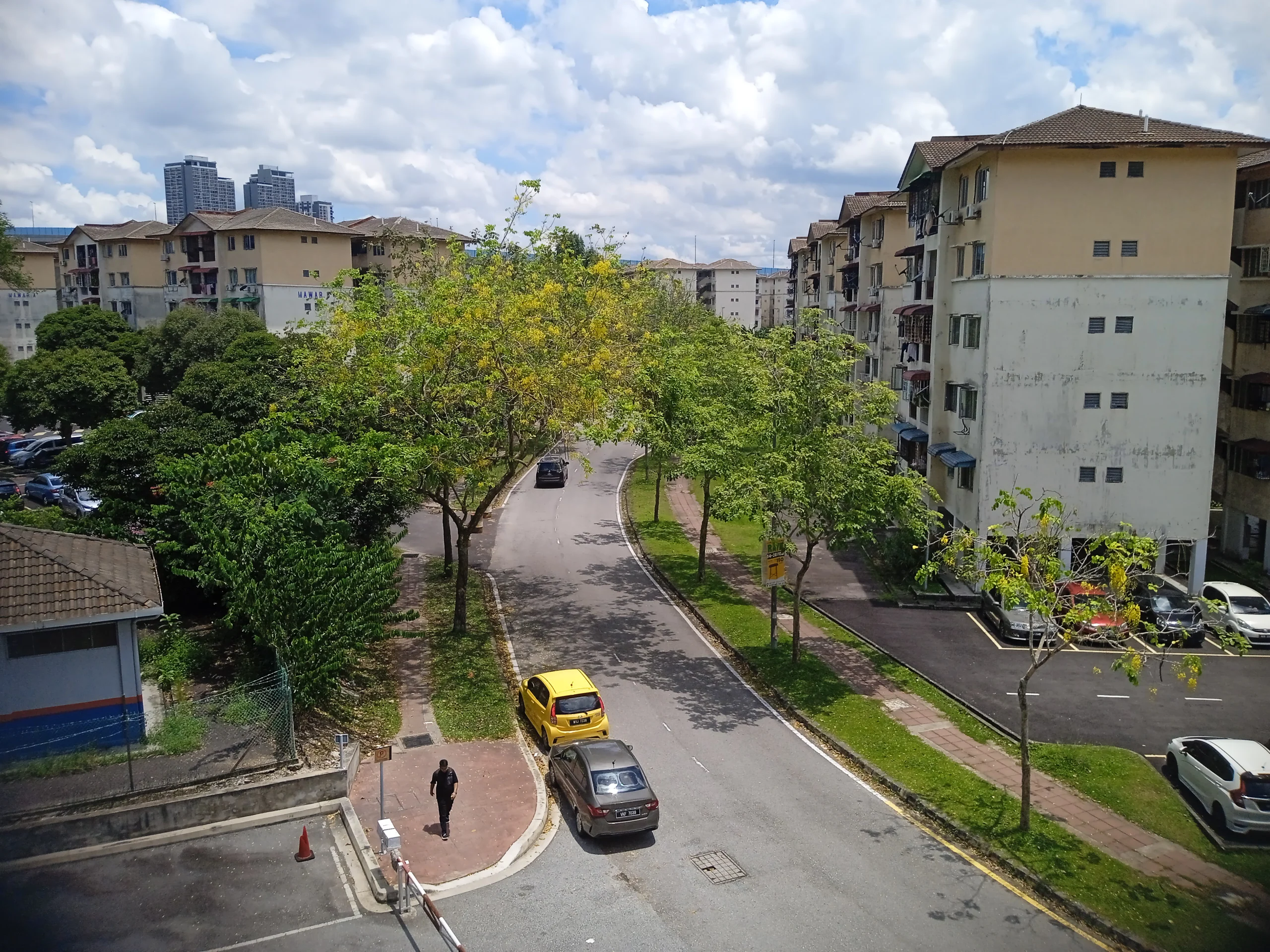 Workspace in AberdeenExplore ›
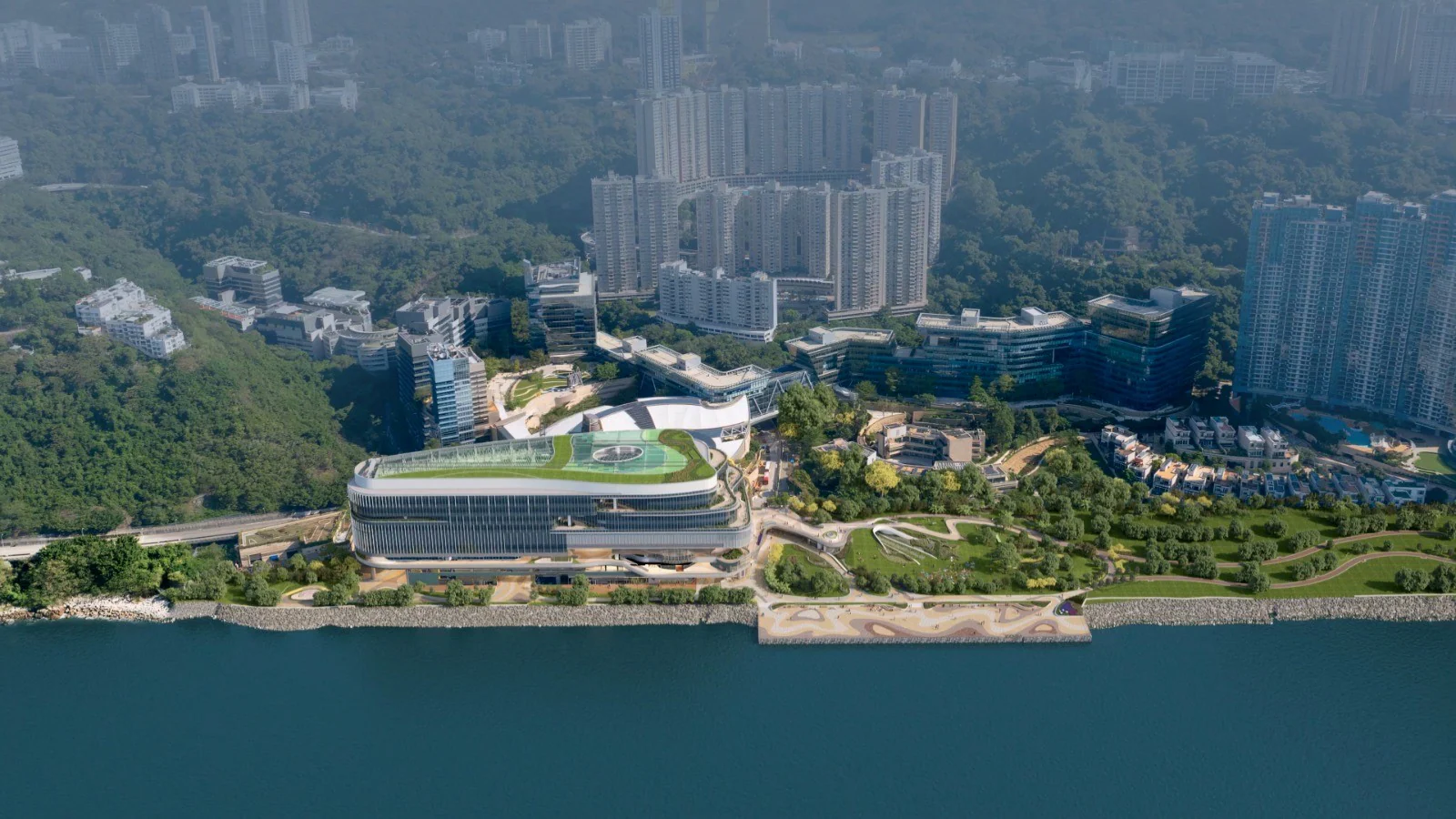
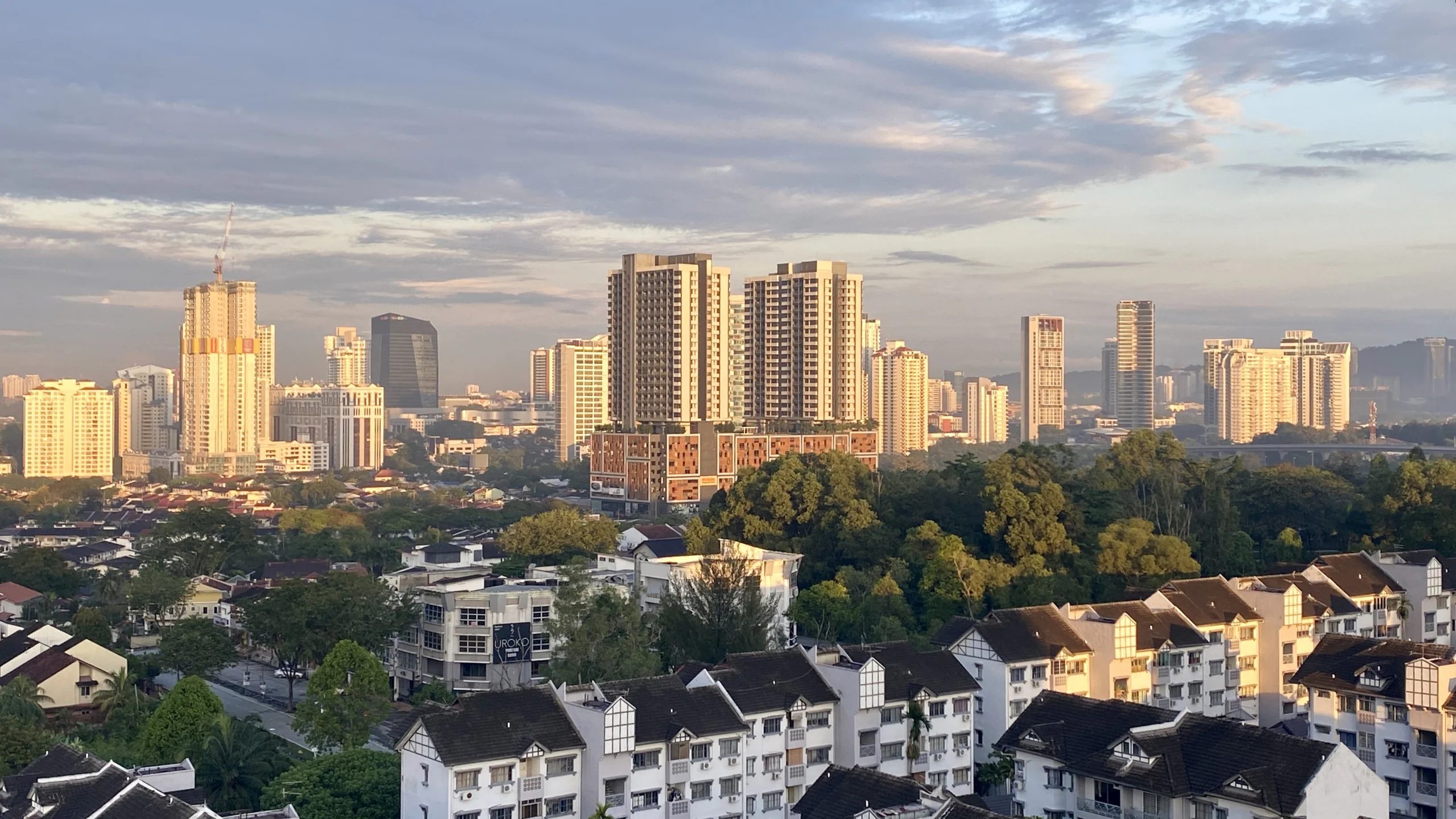 Workspace in CyberportExplore ›
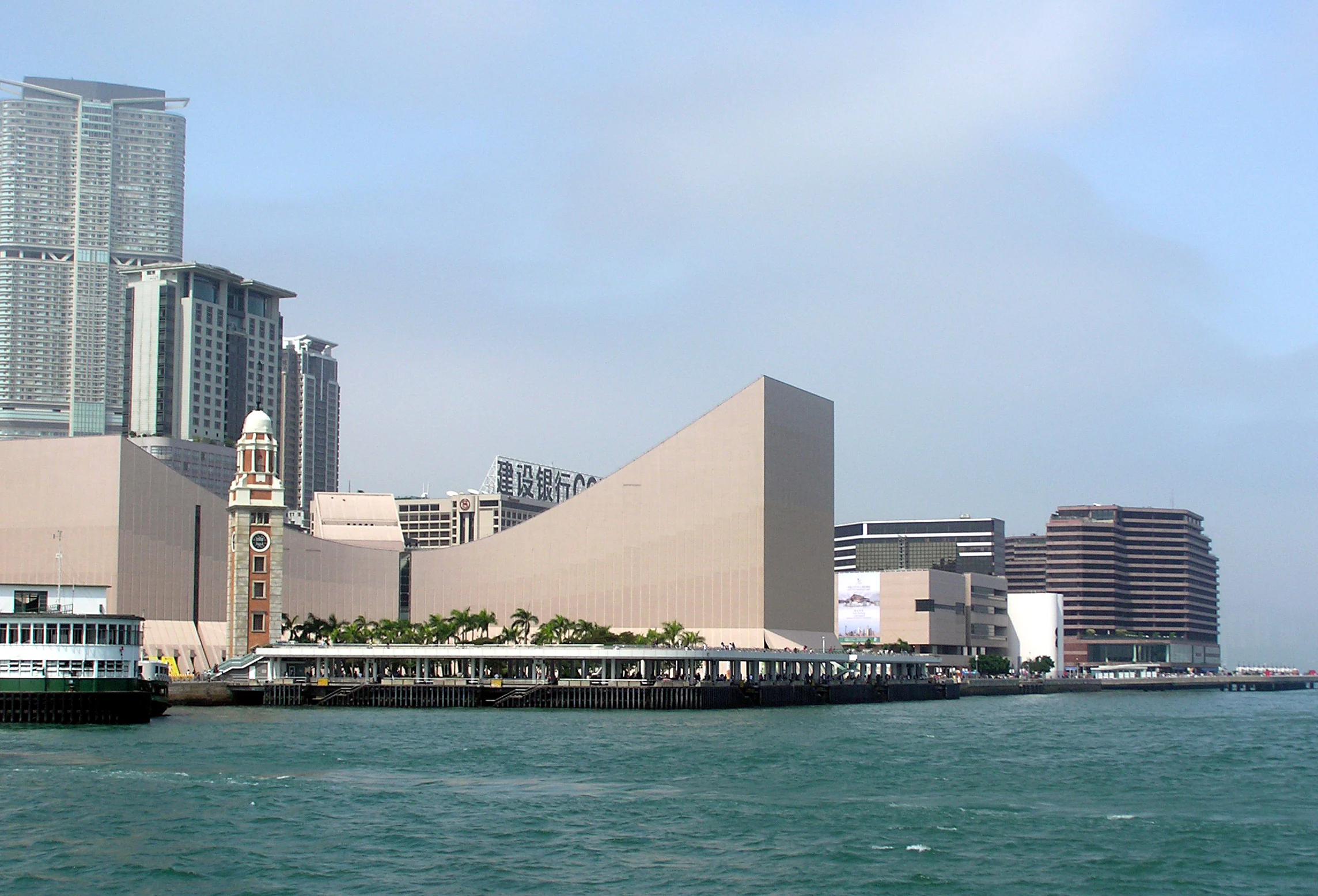
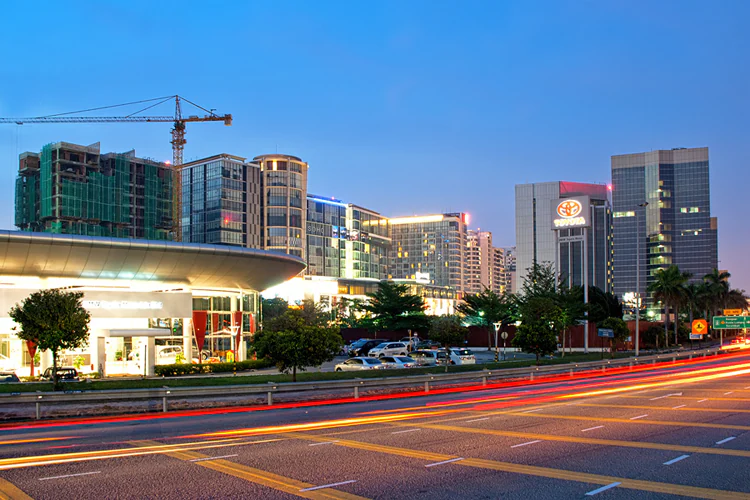 Workspace in Tsim Sha TsuiExplore ›
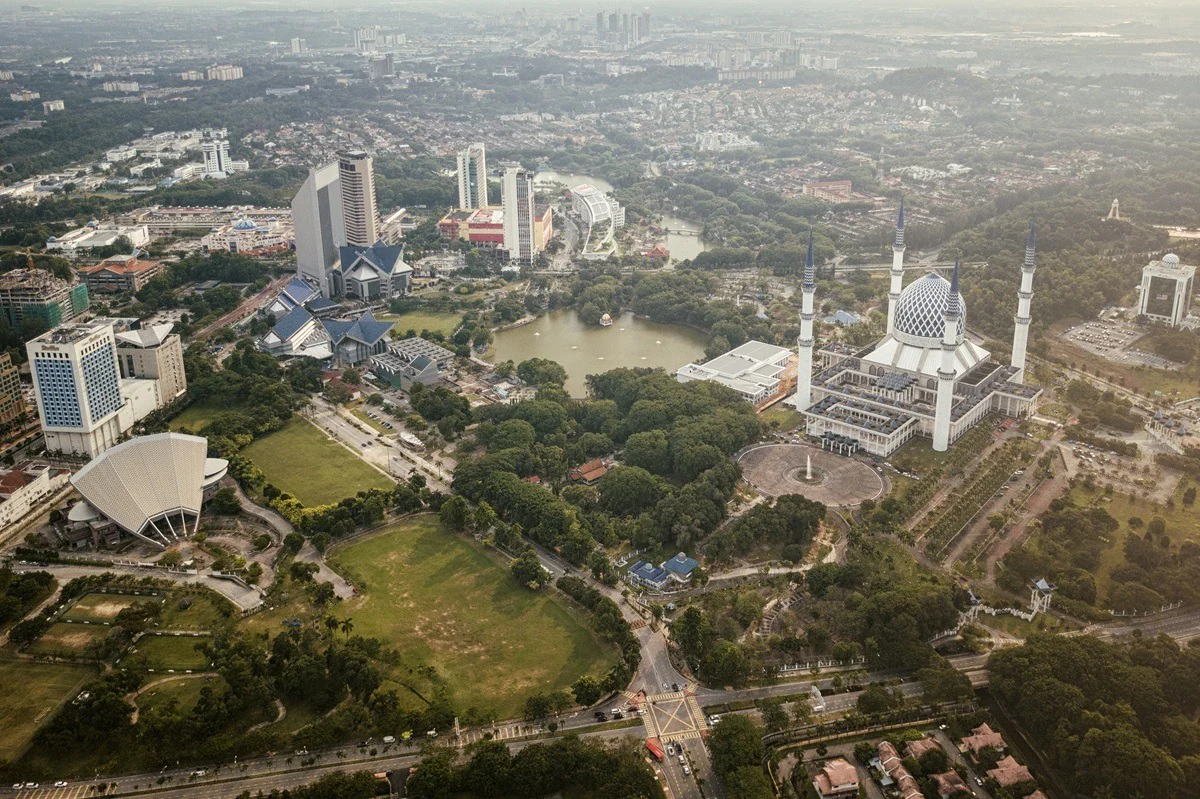 Workspace in Hung HomExplore ›
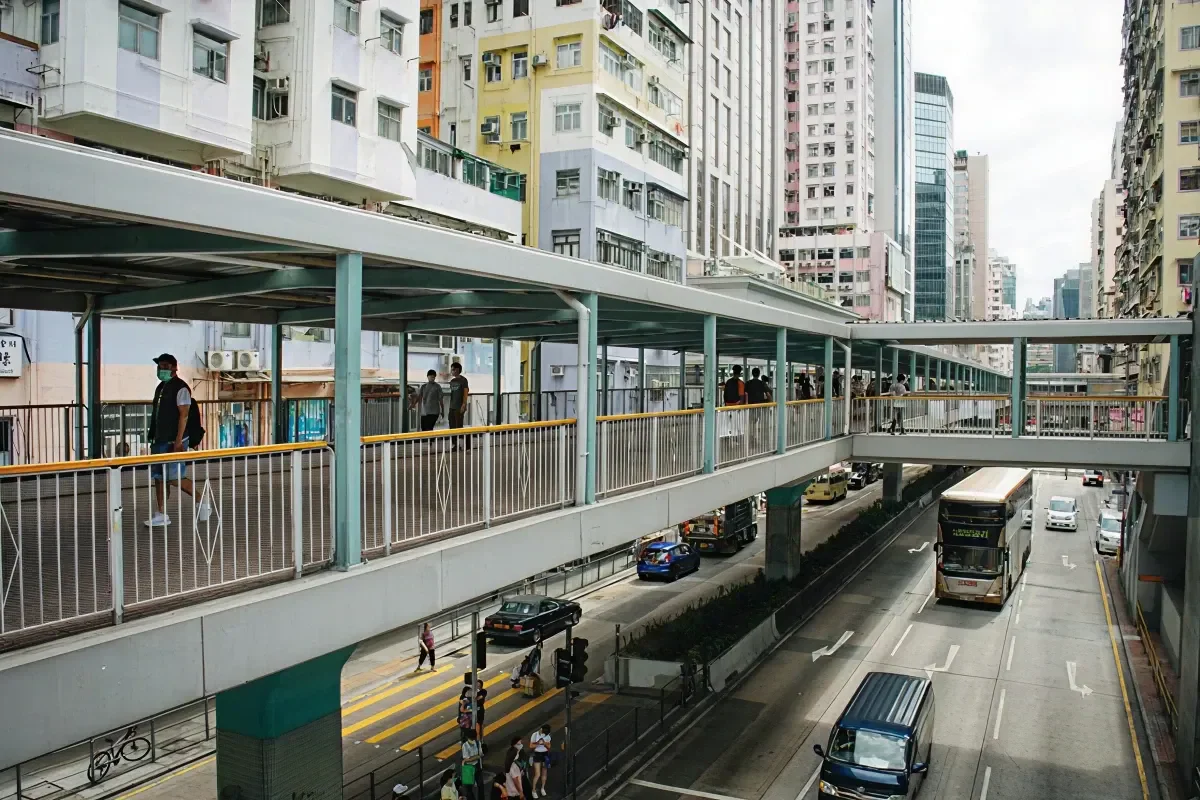
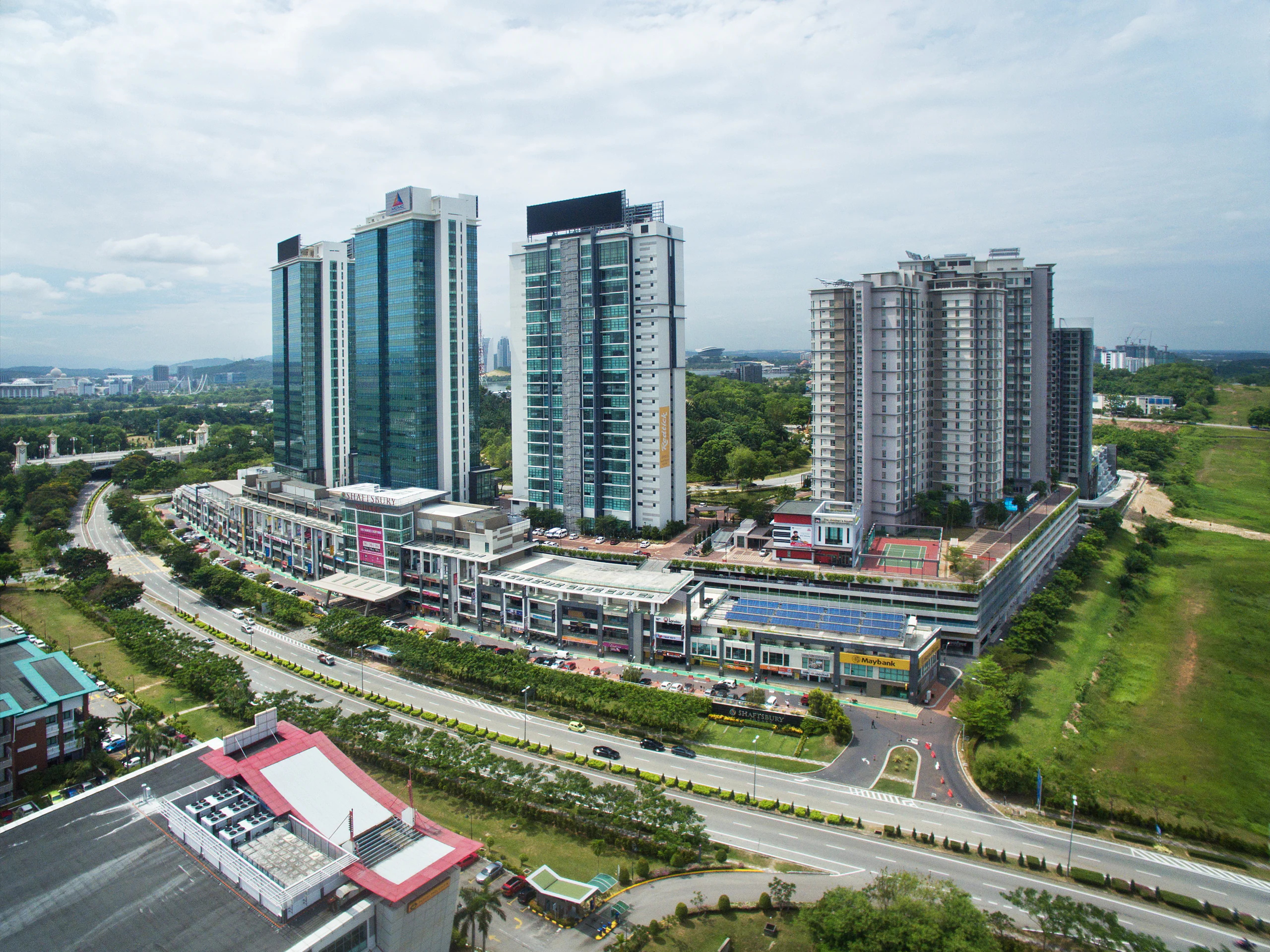 Workspace in Mong KokExplore ›
 Workspace in Kowloon BayExplore ›
 Workspace in Kwun TongExplore ›
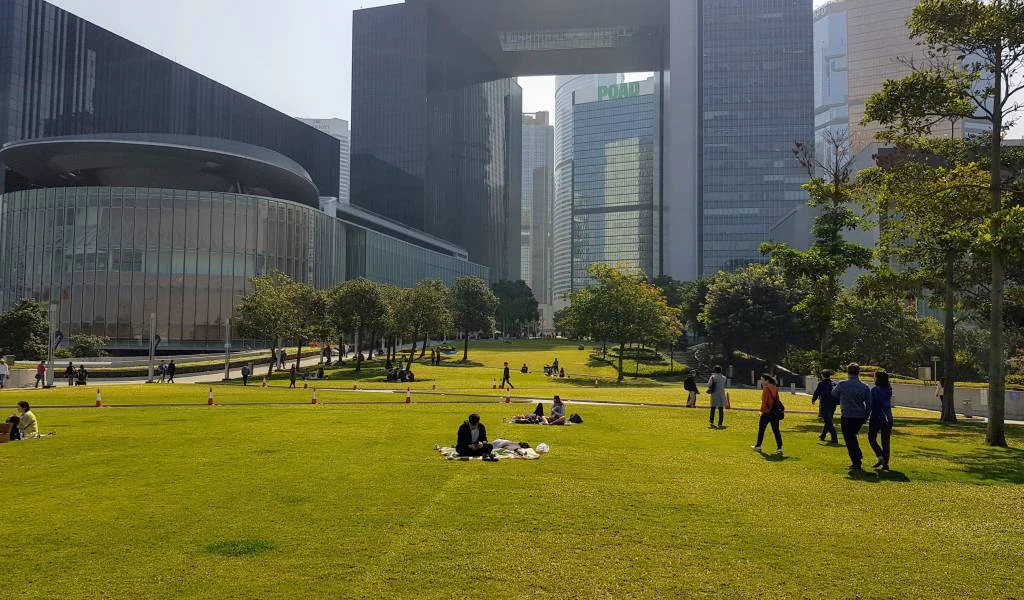 Workspace in Kowloon TongExplore ›
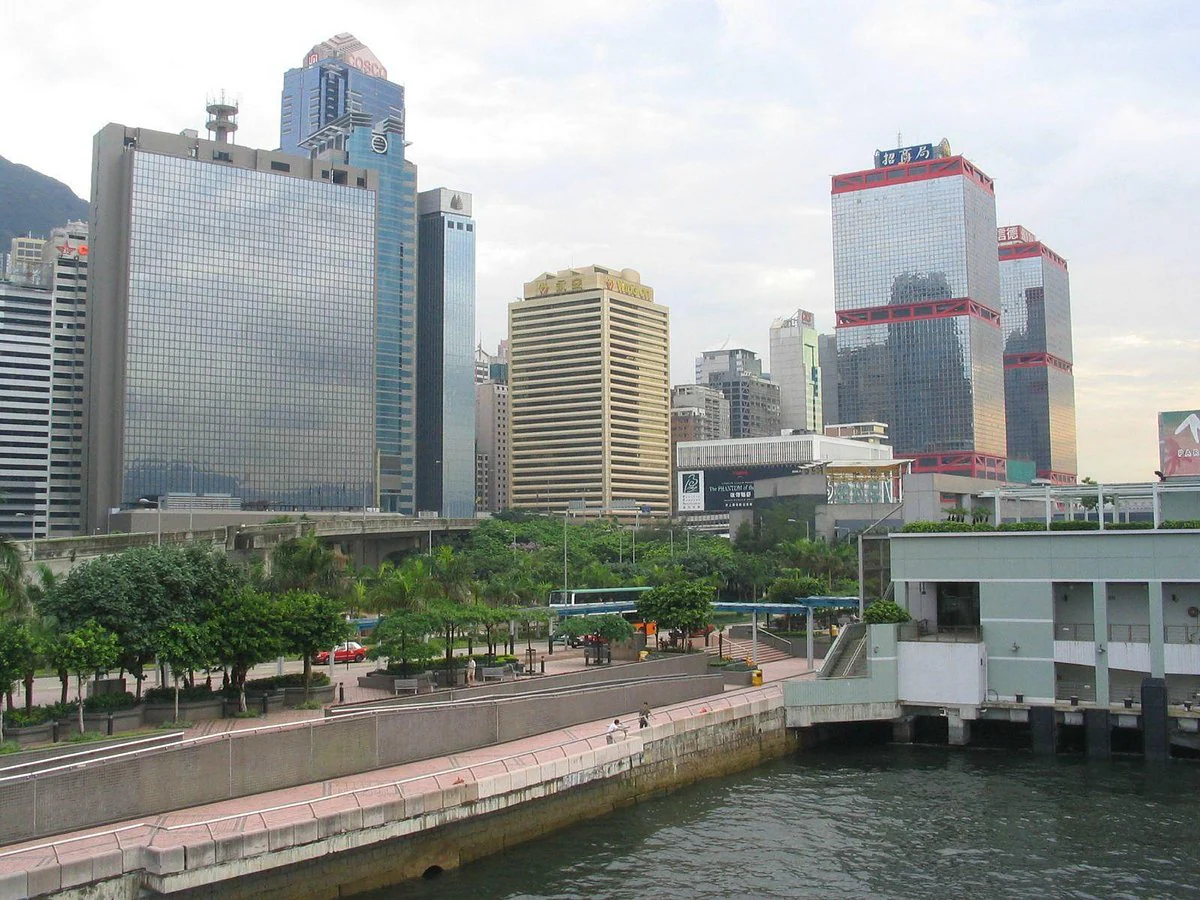 Workspace in Kai TakExplore ›
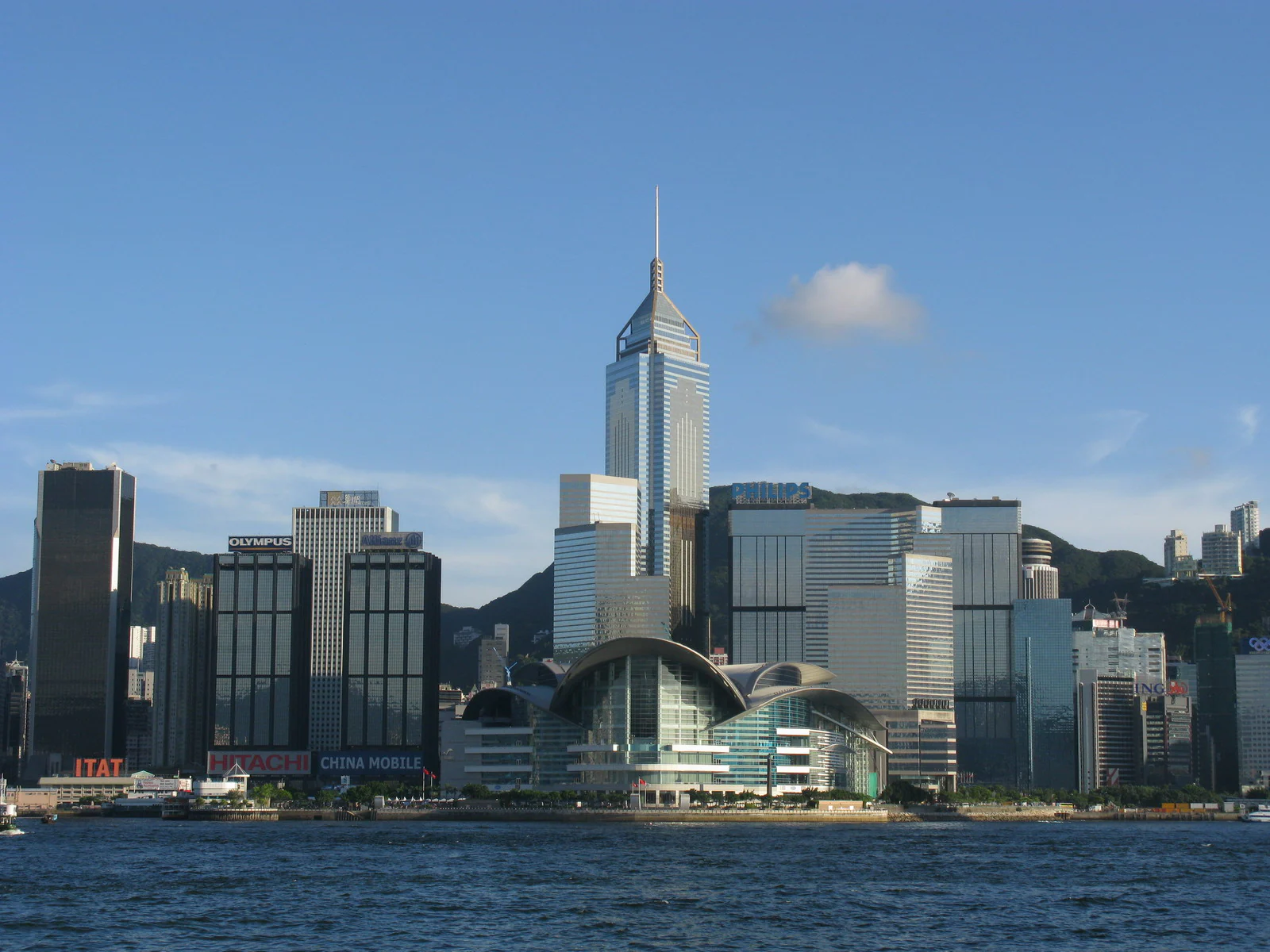 Workspace in San Po KongExplore ›
 Workspace in Lai Chi KokExplore ›
 Workspace in Cheung Sha WanExplore ›
Explore rooms across Kuala Lumpur, Petaling Jaya and nearby business areas.
Connected workspace & LineSupport
Meeting and event spaces remain LineWork products. Connected services are optional.
Add a Hot Desk, Day Office or Hourly Office when attendees need workspace around the session.
Explore option02Add Admin & PA Support for scheduling, documents, guest communication and practical coordination.
Explore option03Connect a Business Address, Virtual Office or Call Answering service when a local presence is also needed.
Explore optionBooking options
Book a room directly for a specific session, or use an available allowance when the room and account qualify.
Pay directly for a specific room, date and time.
Use an available meeting-room allowance when the selected room and account qualify.
Frequently asked questions
Start with the purpose, number of attendees, preferred layout and equipment. Choose a specialist room when the format requires it.
Yes when the selected location displays an available room and price. Choose the date, time, capacity and room, then complete payment.
Send the location, date, time, attendees and room requirements. TLB will confirm the available room and price.
Most events need a short review so guest count, layout, production, catering, suppliers and access times can be confirmed.
Only the equipment listed for the selected room is included. Confirm screens, cameras, microphones, adapters and technical support before booking.
Where the selected room and account qualify, checkout will show whether TLB Credit or an available allowance can be applied.
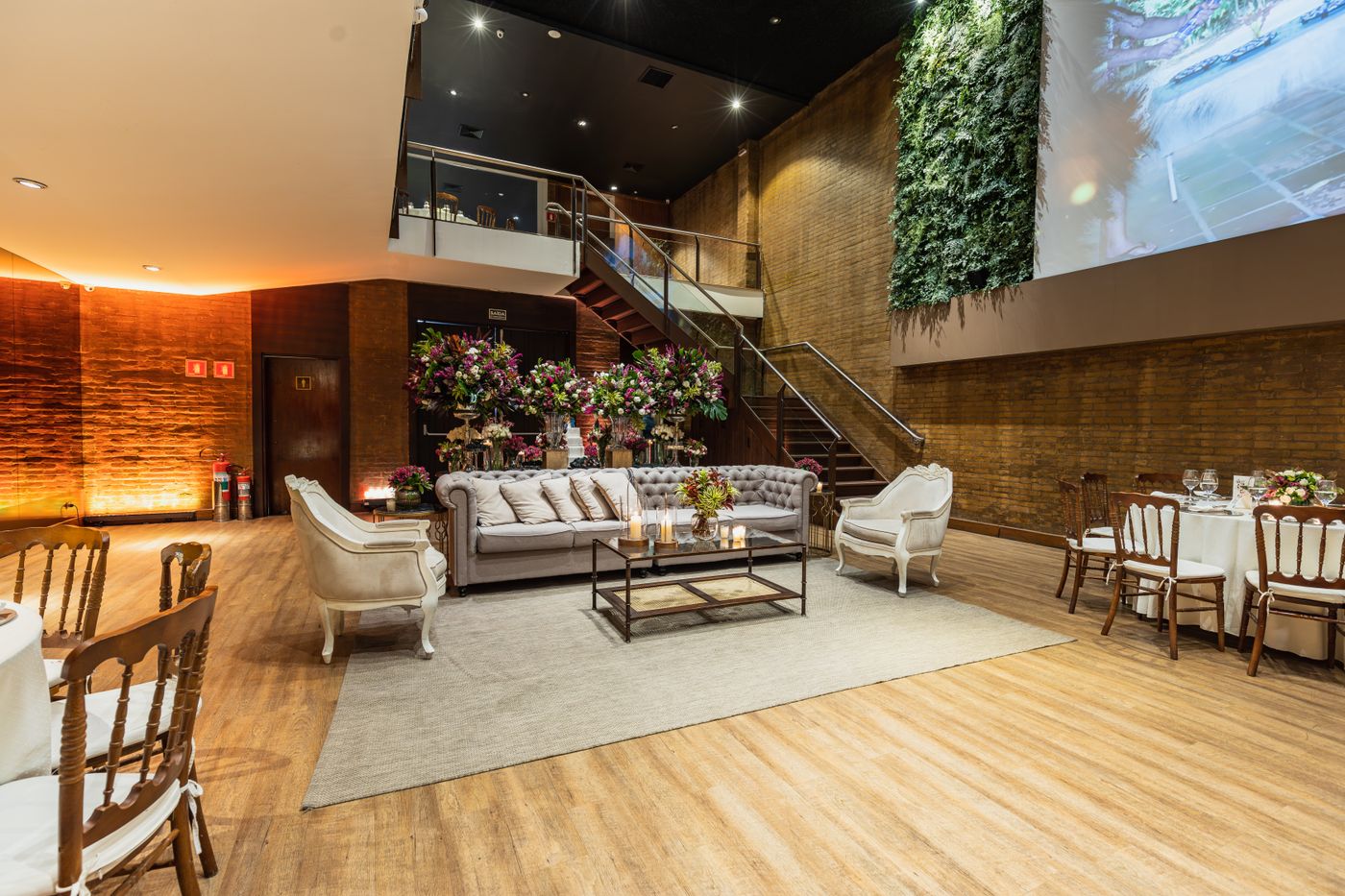
 Hong Kong
 Malaysia