Typical capacity
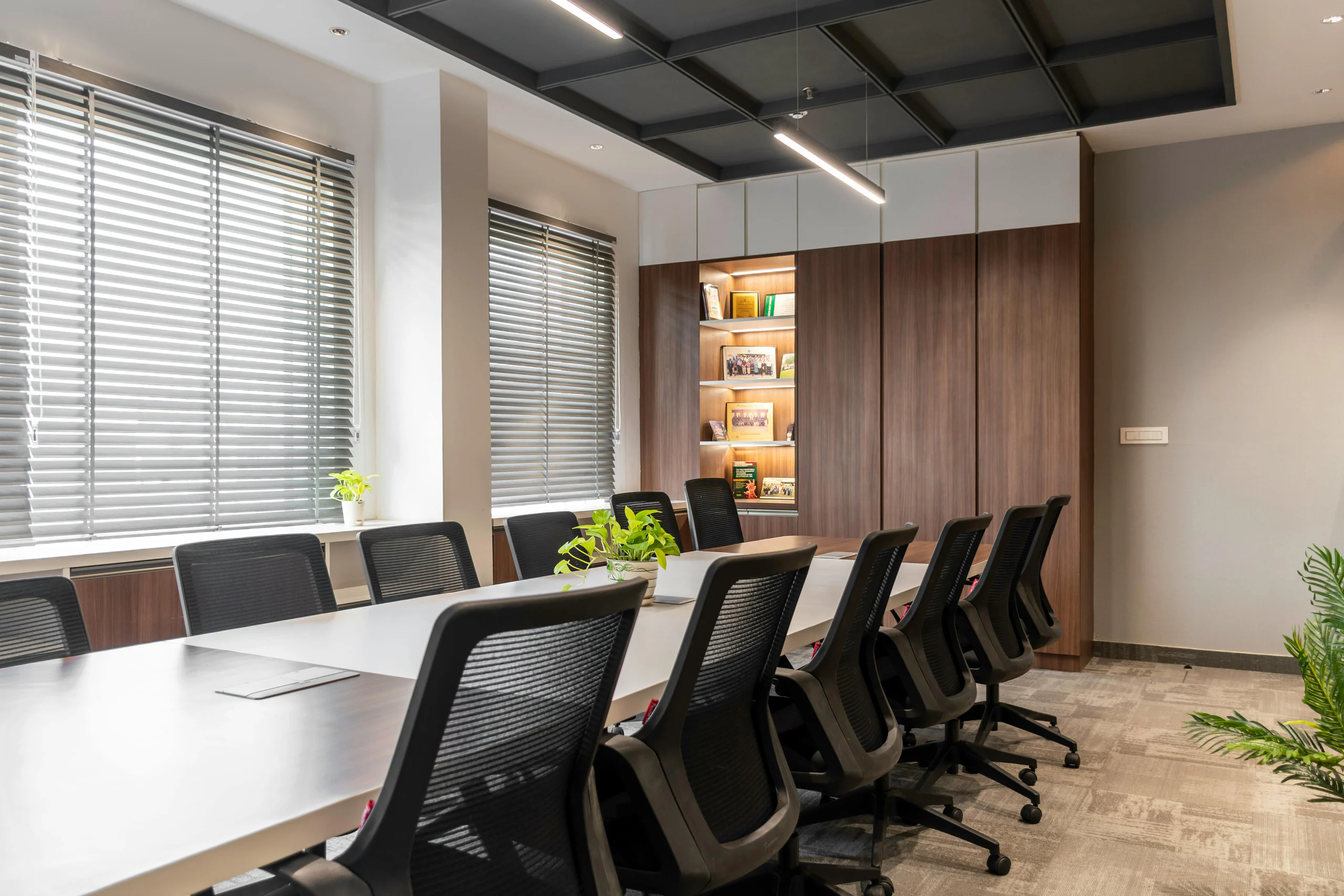
X–X in-room participants

LINEWORK
Confirm platform compatibility, camera framing, microphones, speakers, display, bandwidth and technical support before the call begins.

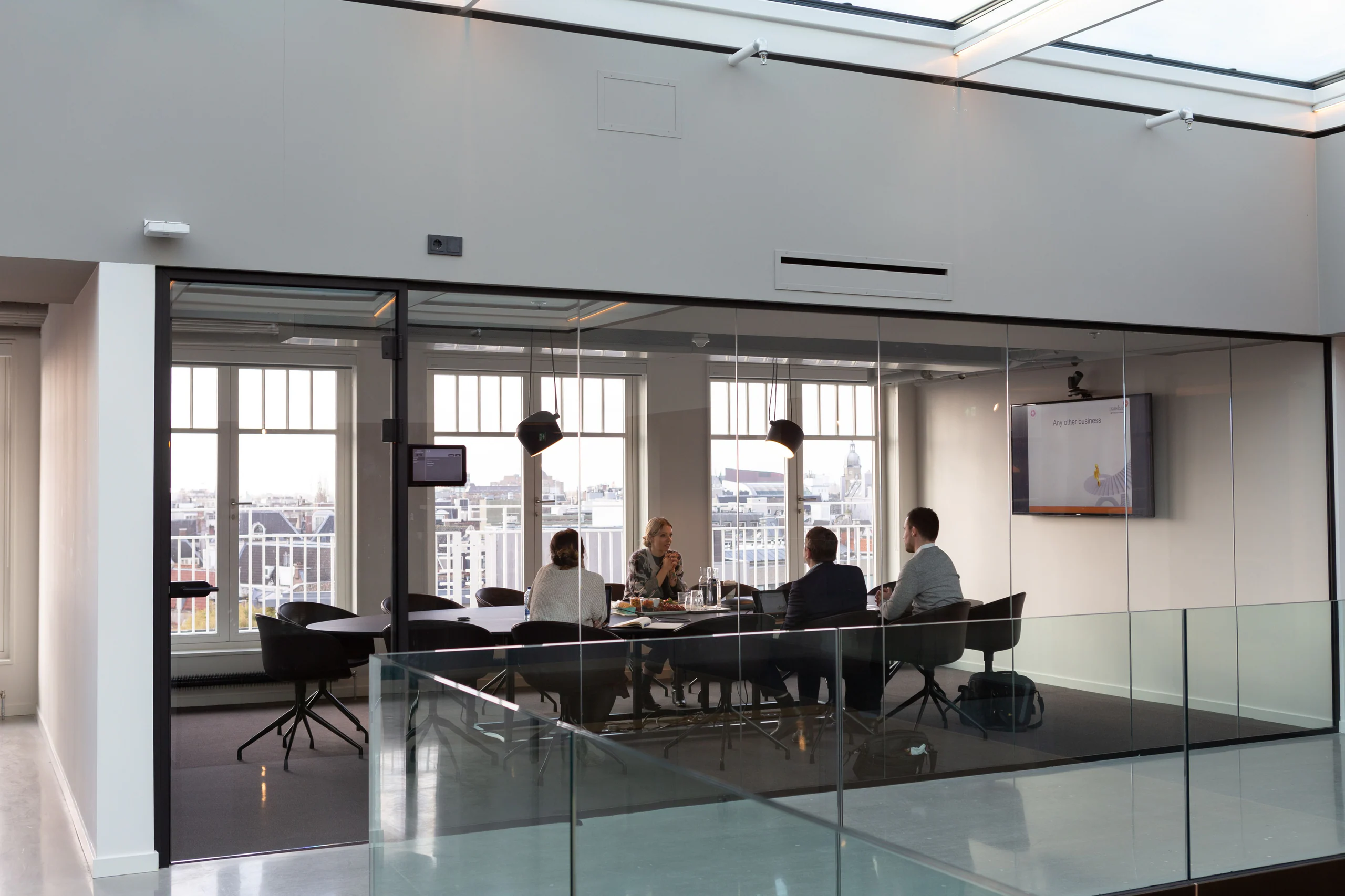
Hybrid team meetings, remote interviews, client calls and cross-border presentations.
Find a video conference room→X–X in-room participants
From X hours
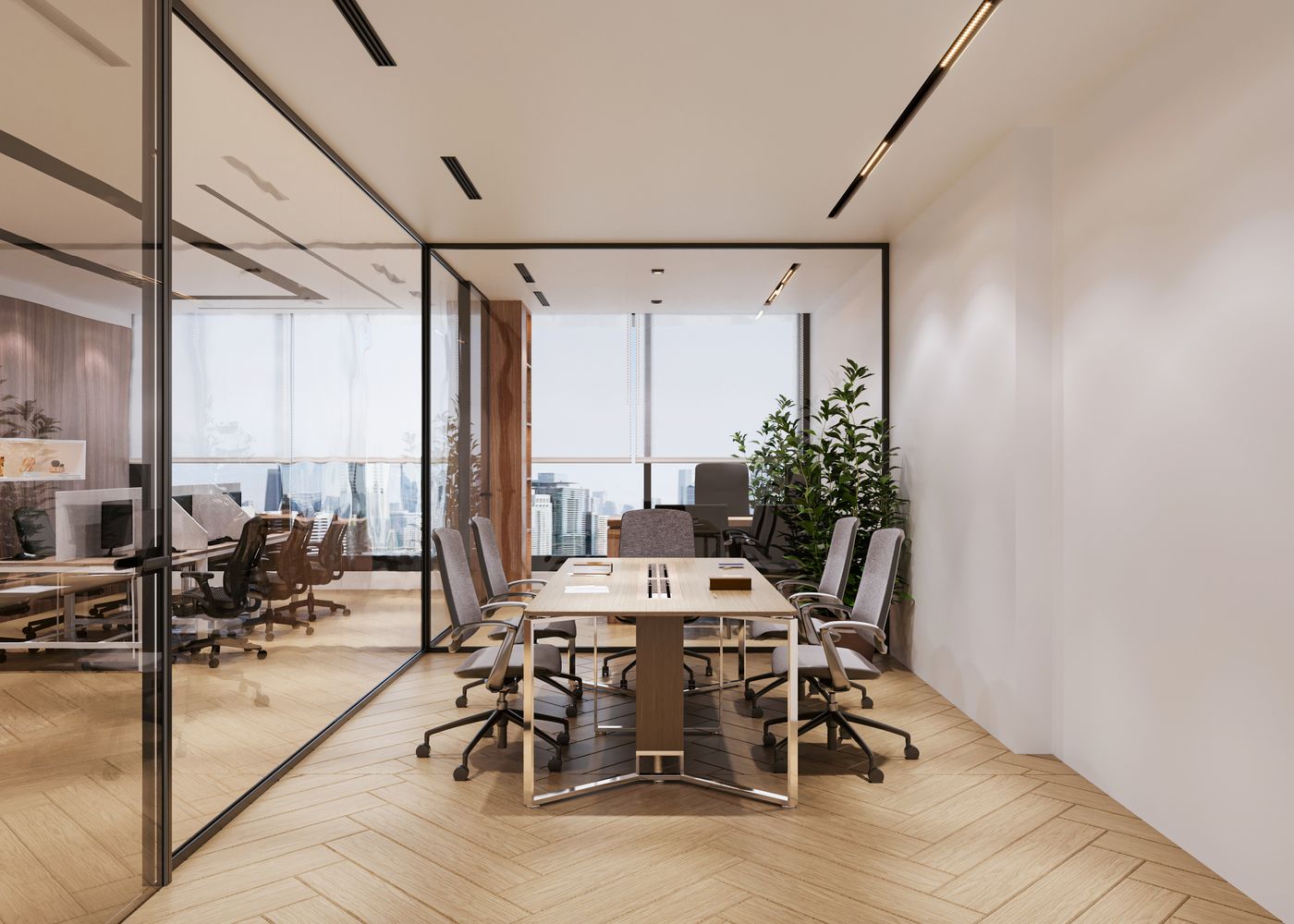
Private hybrid room
Camera, audio and display as specified
CHOOSE A MARKET
Choose a market, then select the area. Book an available location online, arrange a tour where relevant or request current availability.
WHO IT FITS
Connect distributed participants from a professional shared room.
Use verified audio and visual tools for an external call.
Give local and remote participants a clear, consistent setup.
BEFORE YOU START
Confirm platform compatibility, camera framing, microphones, speakers, display, bandwidth and technical support before the call begins.
WHAT IS INCLUDED
Before payment or acceptance, the selected workspace confirms the exact access, facilities, check-in process and site rules.
Exclusive room use for the paid time window.
The actual camera or room system specified for the selected space.
Microphone and speaker configuration stated upfront.
Screen and sharing connection included as listed.
Business internet with any dedicated or backup arrangement expressly identified.
Testing or technical support only to the level included in the booking.
HOW IT WORKS
Choose the location, date, platform, participants and equipment, then compare compatible rooms and book online.
Select the area, date and required duration for the video conference rooms.
Review the confirmed capacity, facilities, access rules and total price before selecting.
Complete the named-user and payment details shown at checkout.
Follow the location instructions, use the booked space and extend only where availability allows.
PRICE & TERM
The selected option shows the complete price, access window, booking or agreement terms and separately priced additions before you proceed.
Room-system capability and peripherals affect the rate.
Testing and live operator support are separately scoped.
Include setup, connection and overrun buffer in the booking.
Recording, streaming and external production require approval.
COMPARE OPTIONS
Choose the nearest alternative before paying for more privacy, capacity, time or commitment than you need.
OUR LOCATIONS
Choose a business area to see relevant workspace products, local access information and the right next step.

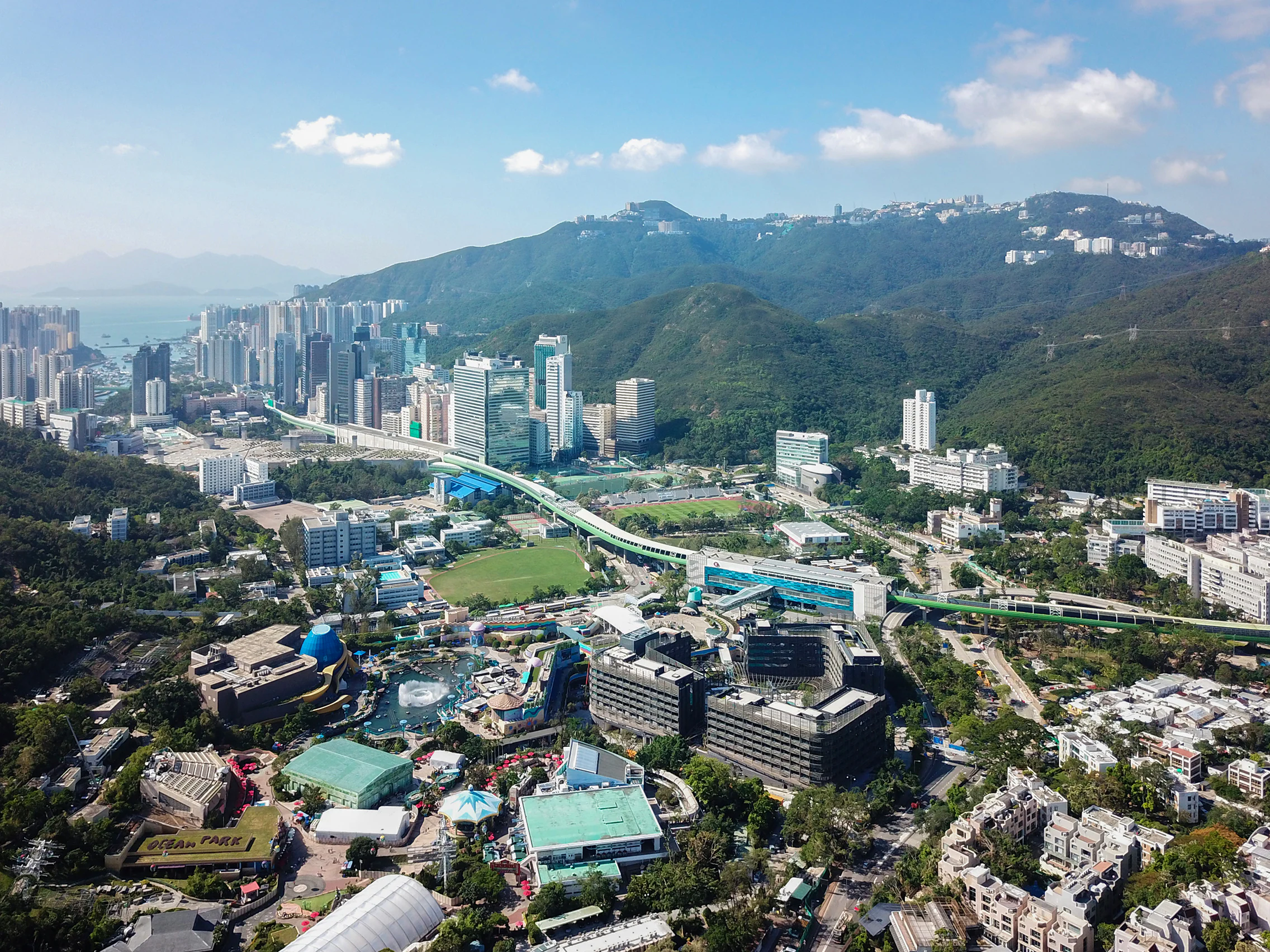
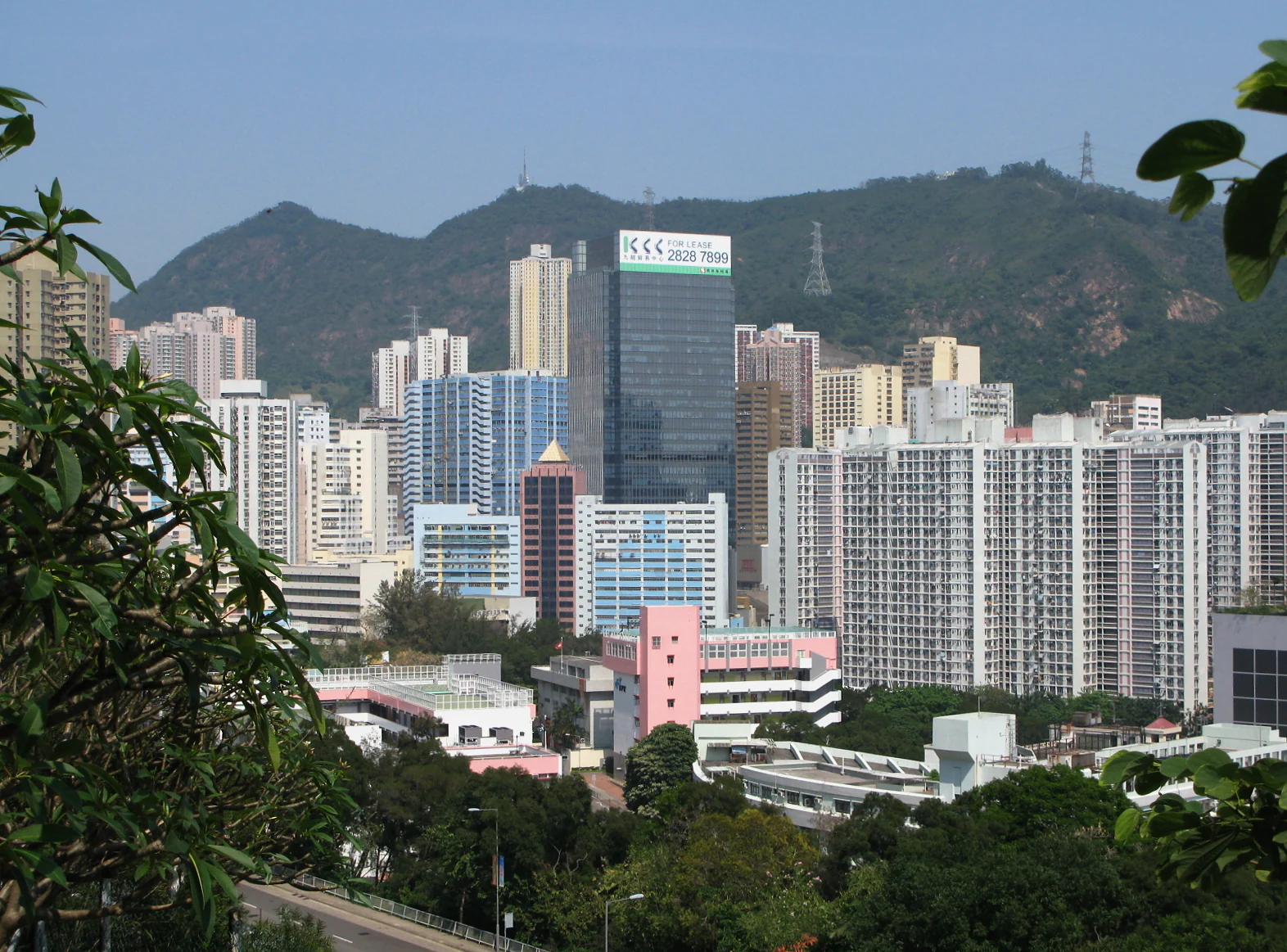
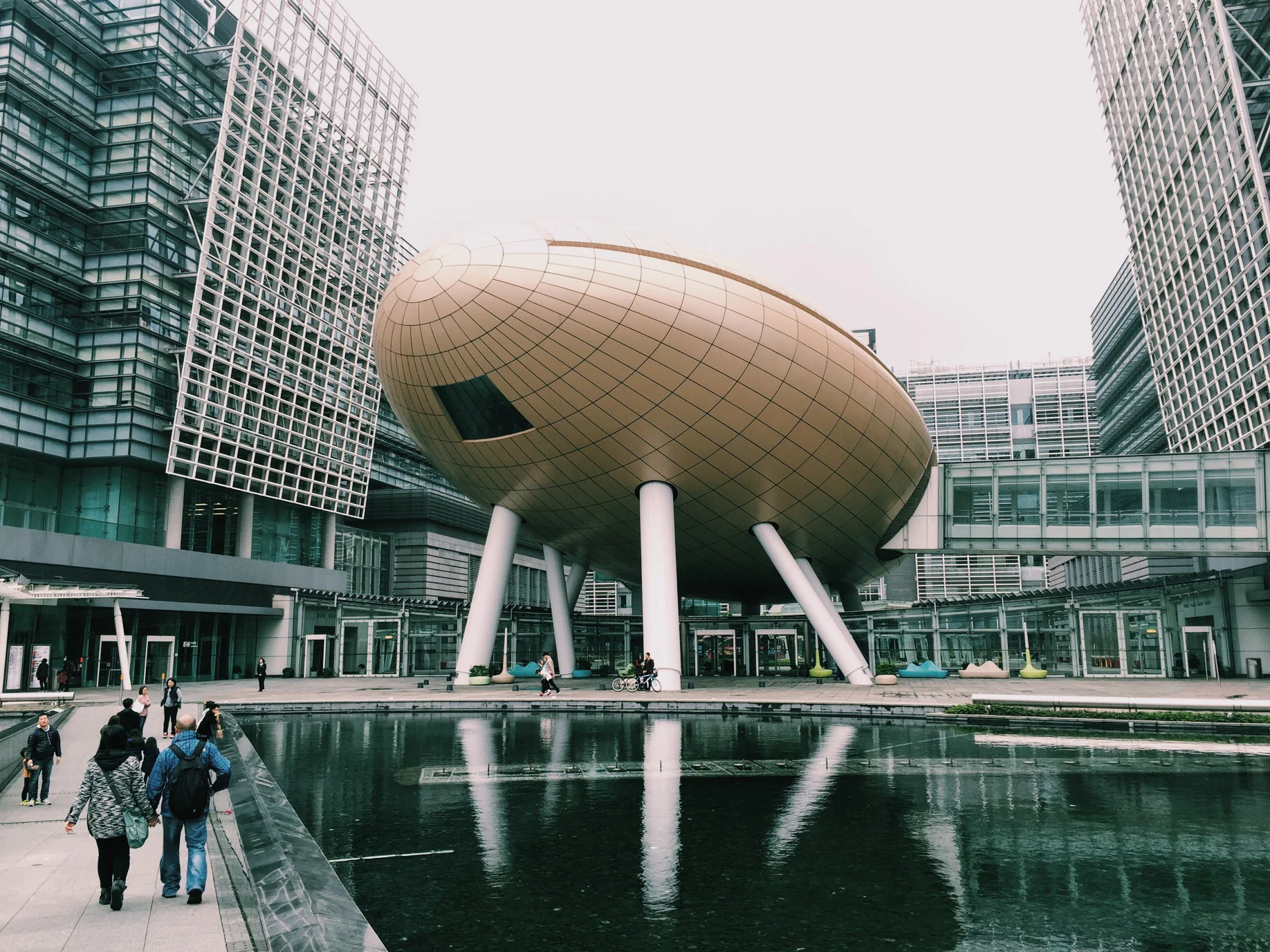
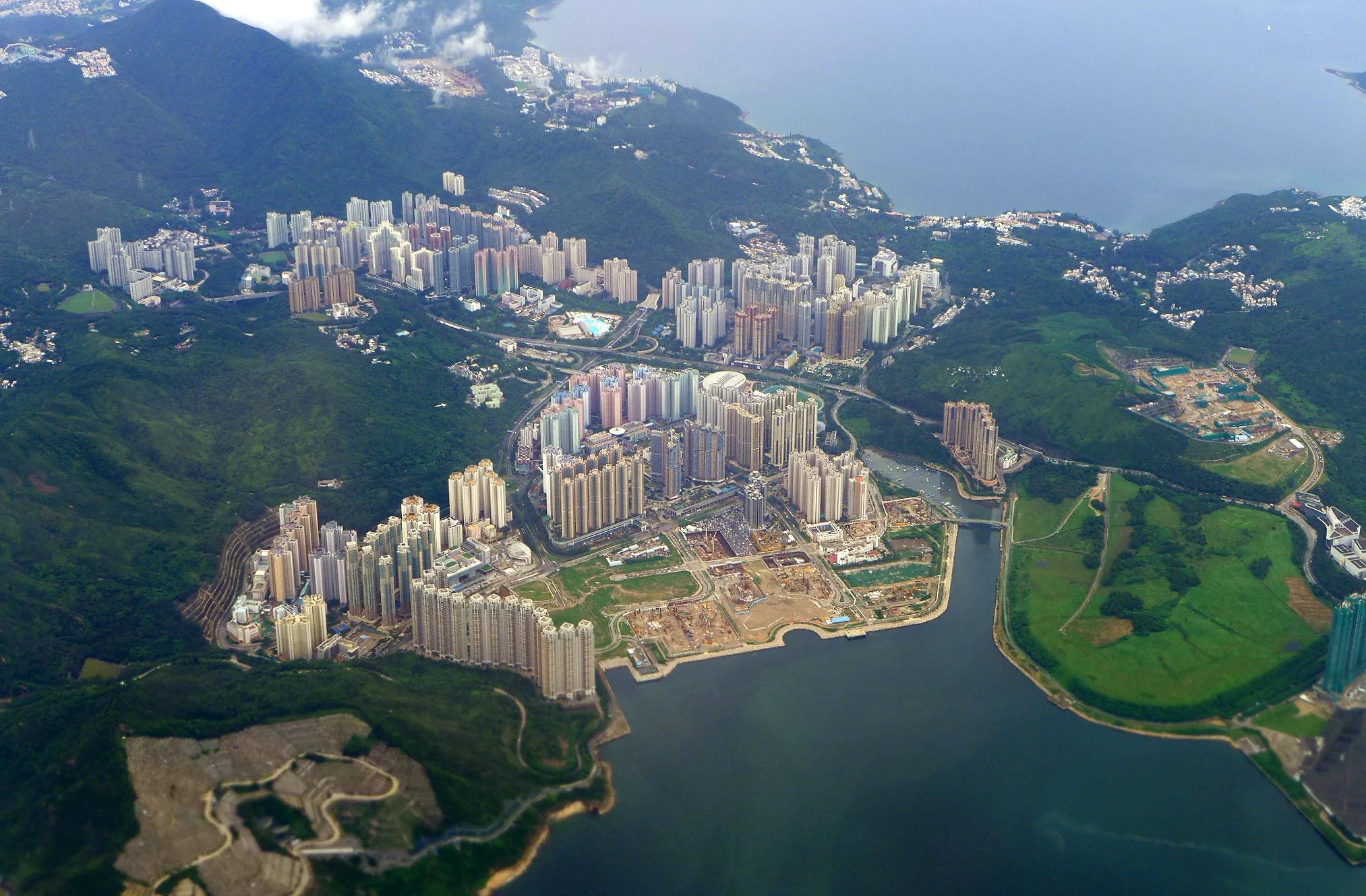
Explore workspace across Hong Kong Island, Kowloon and the New Territories.
 Workspace in CentralExplore ›
 Workspace in AdmiraltyExplore ›
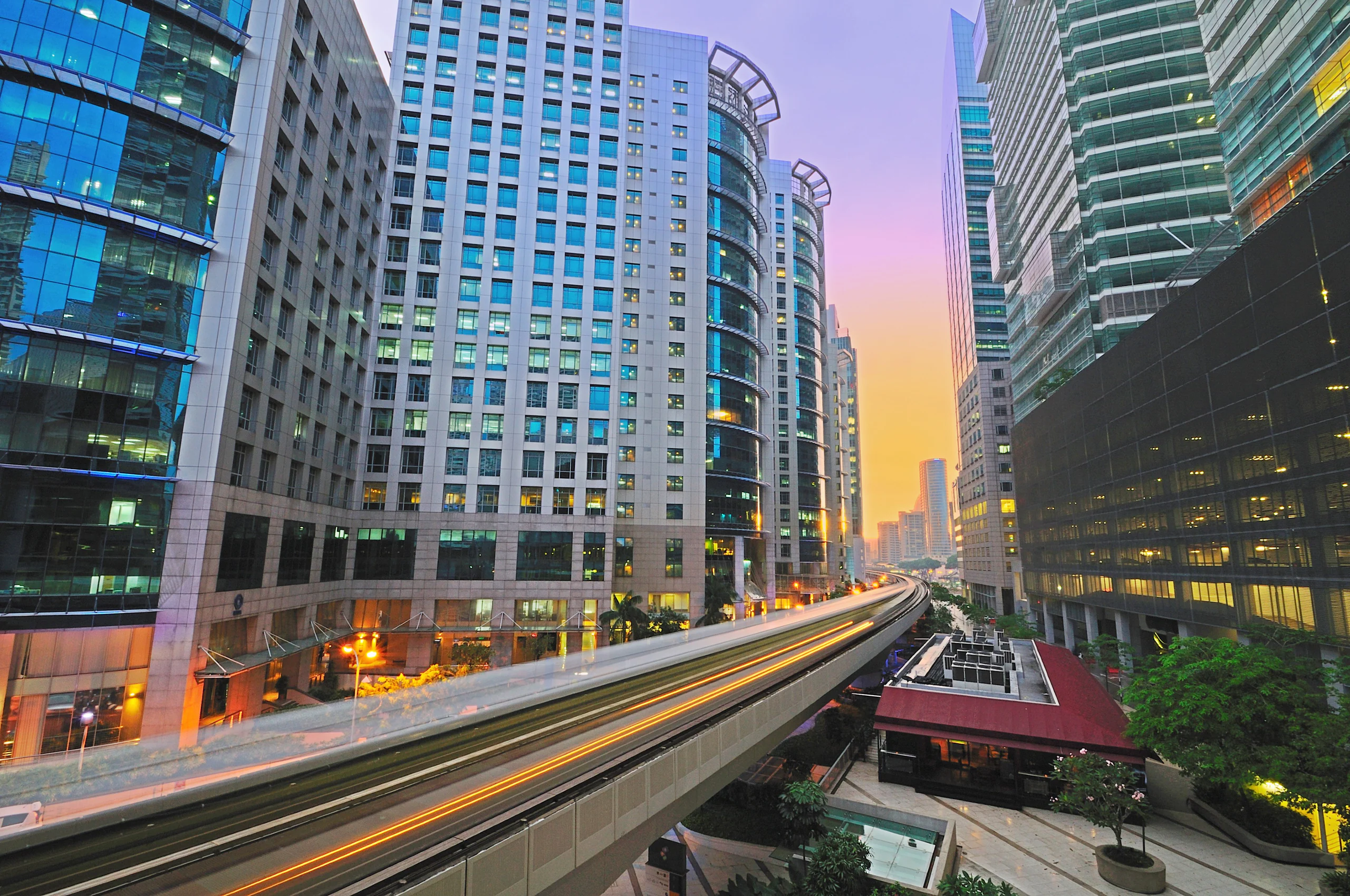 Workspace in Sheung WanExplore ›
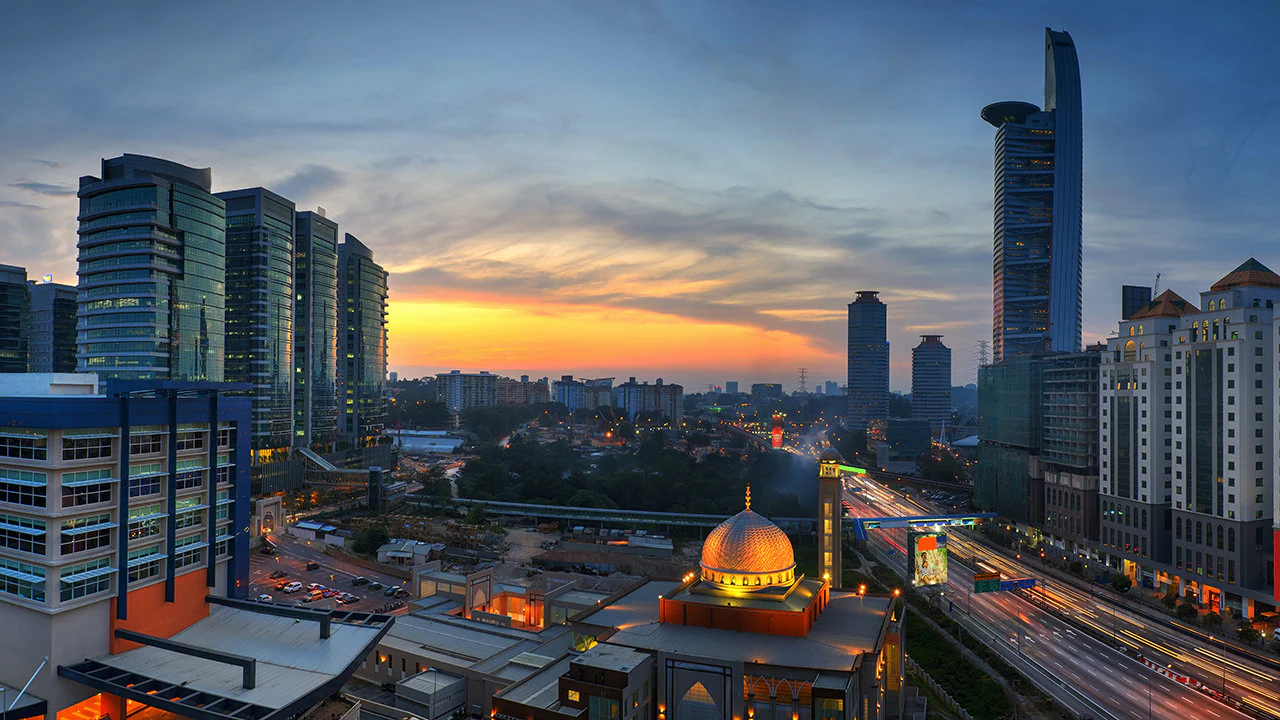 Workspace in Wan ChaiExplore ›
 Workspace in Causeway BayExplore ›
 Workspace in North PointExplore ›
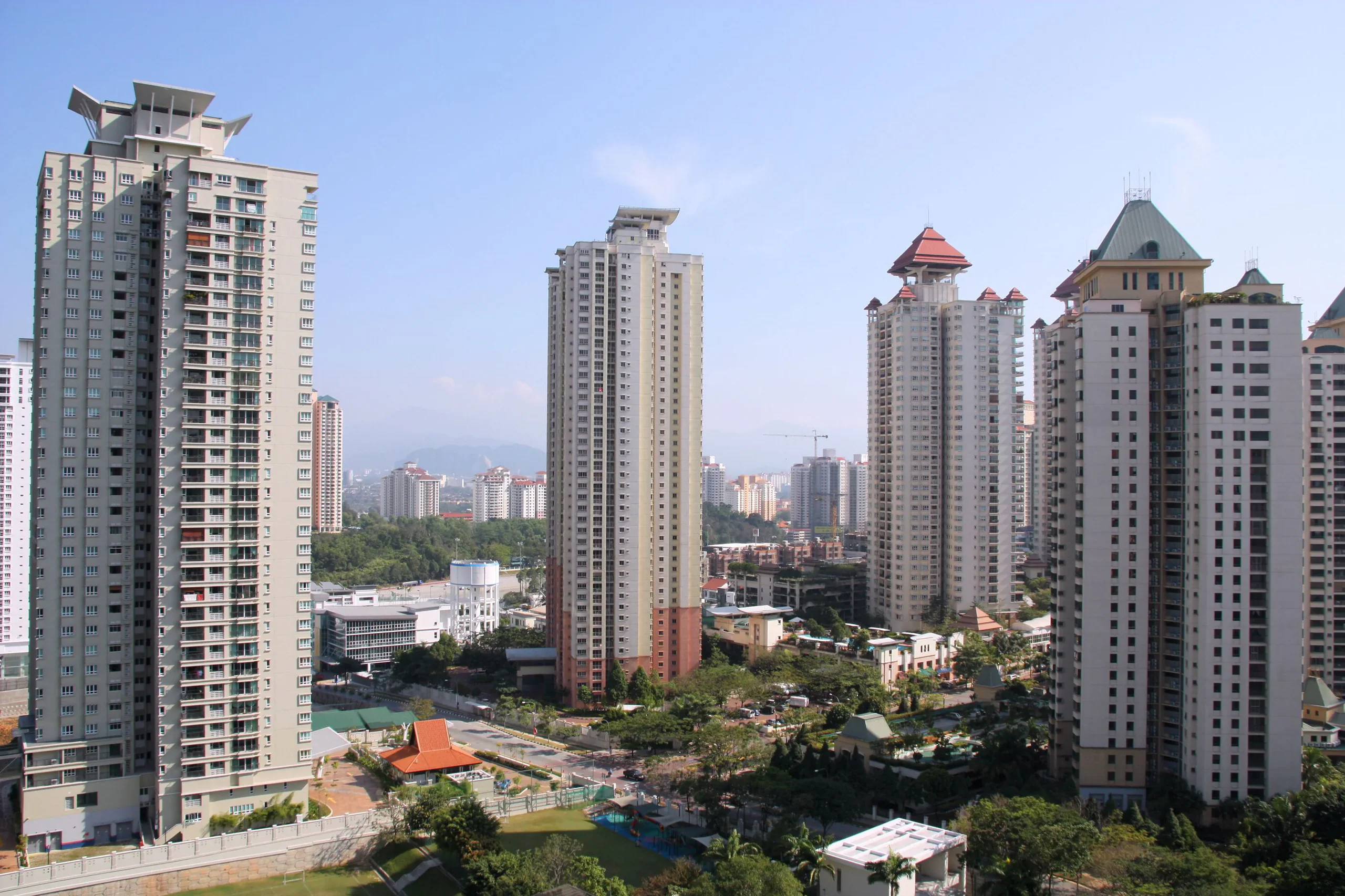 Workspace in Quarry BayExplore ›
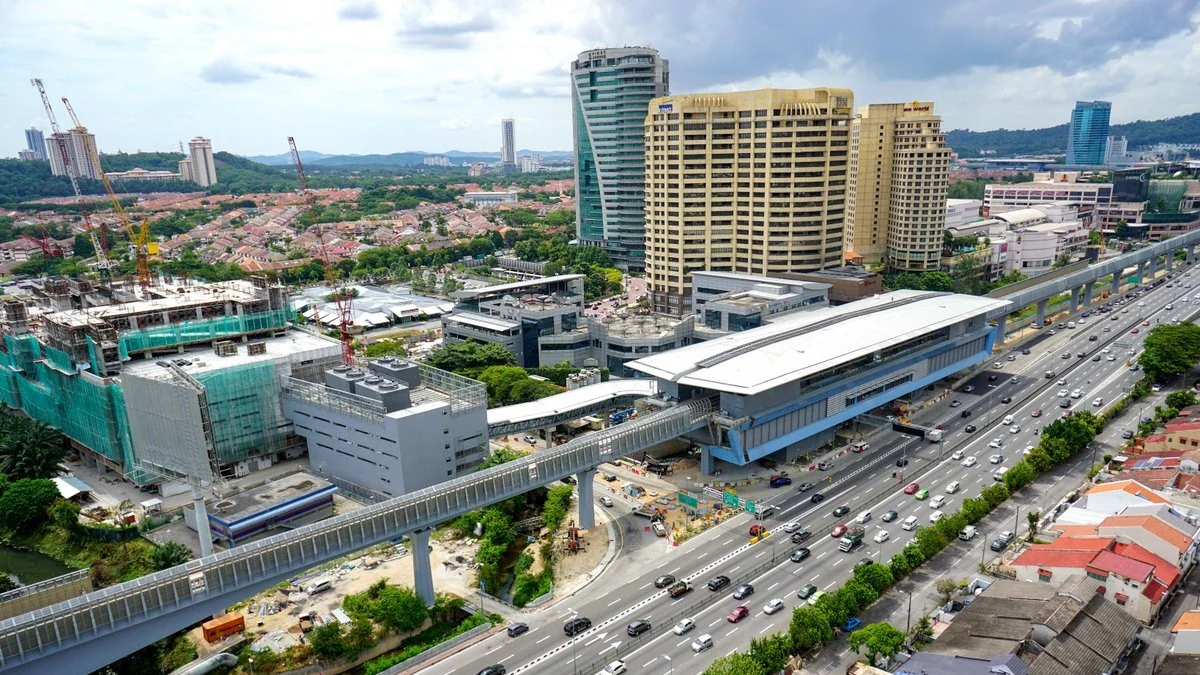 Workspace in Wong Chuk HangExplore ›
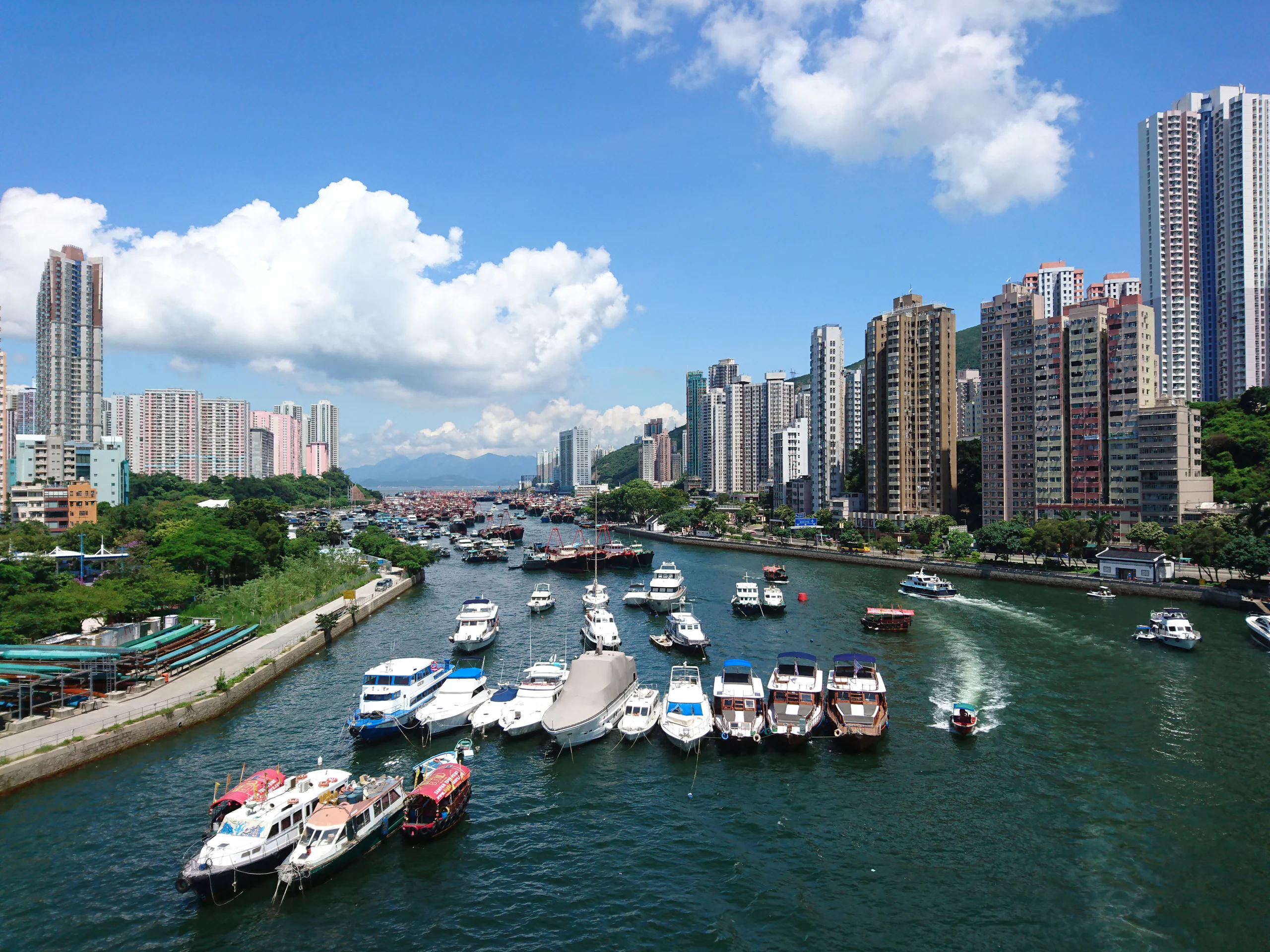
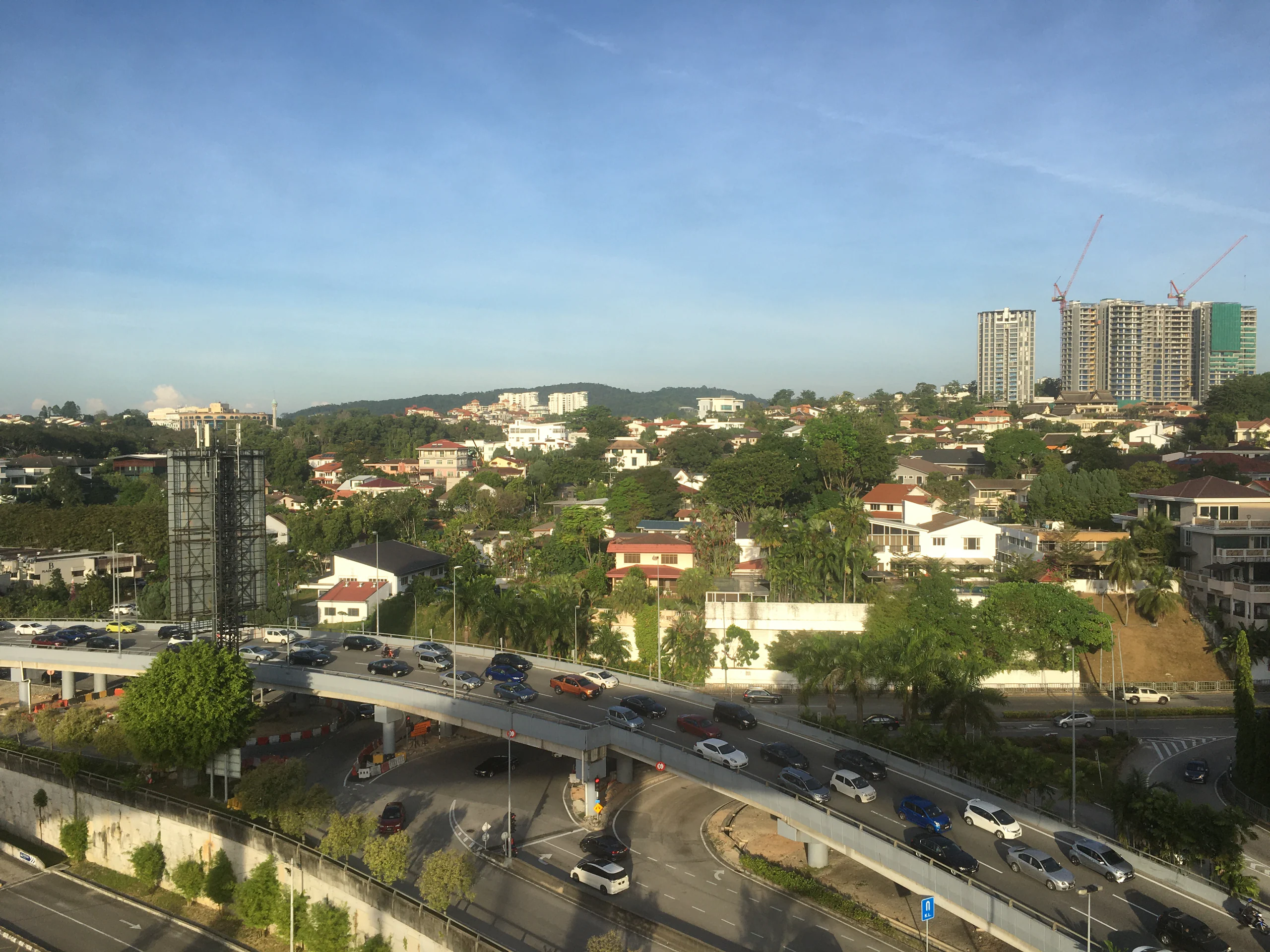 Workspace in AberdeenExplore ›
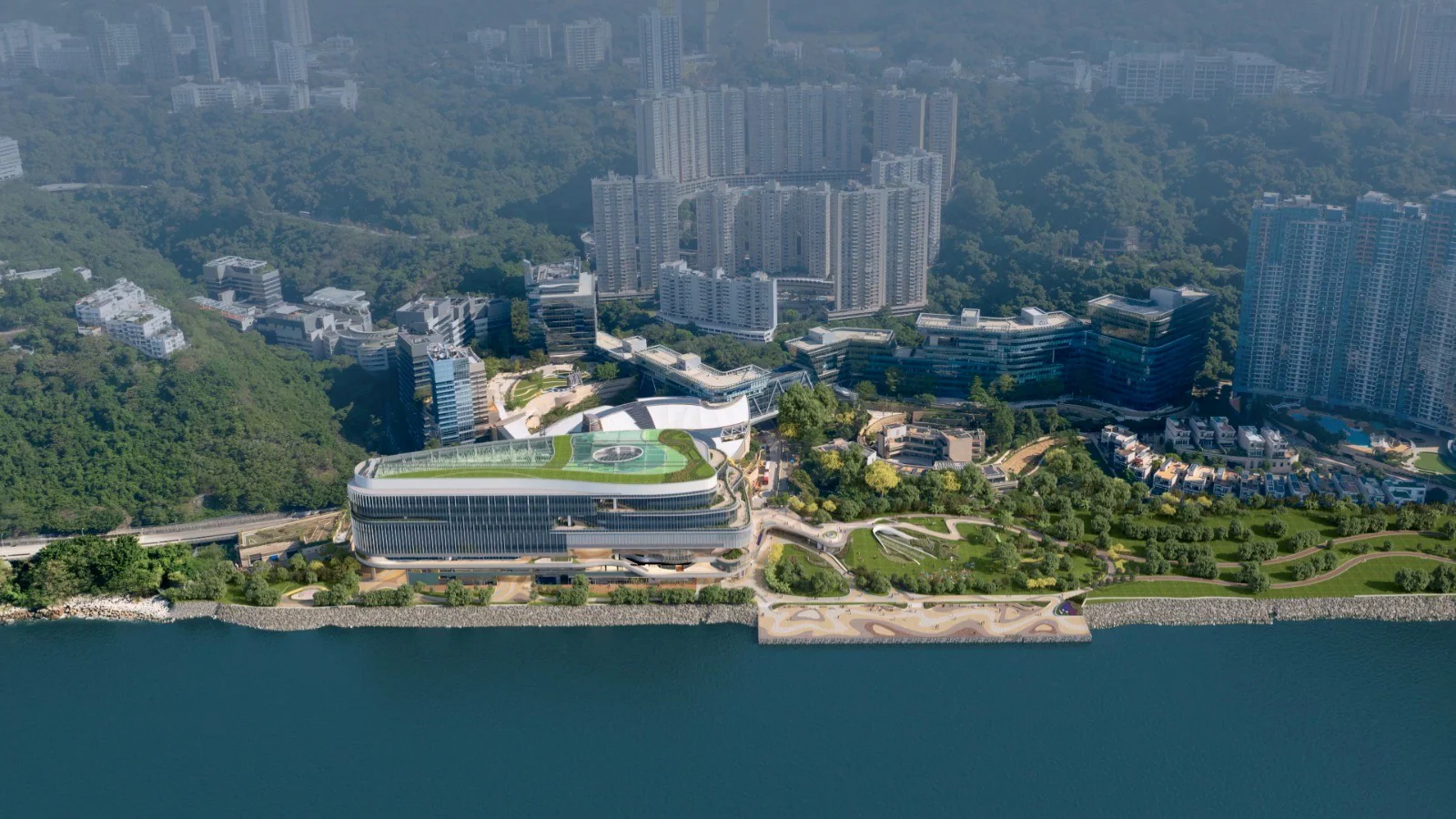
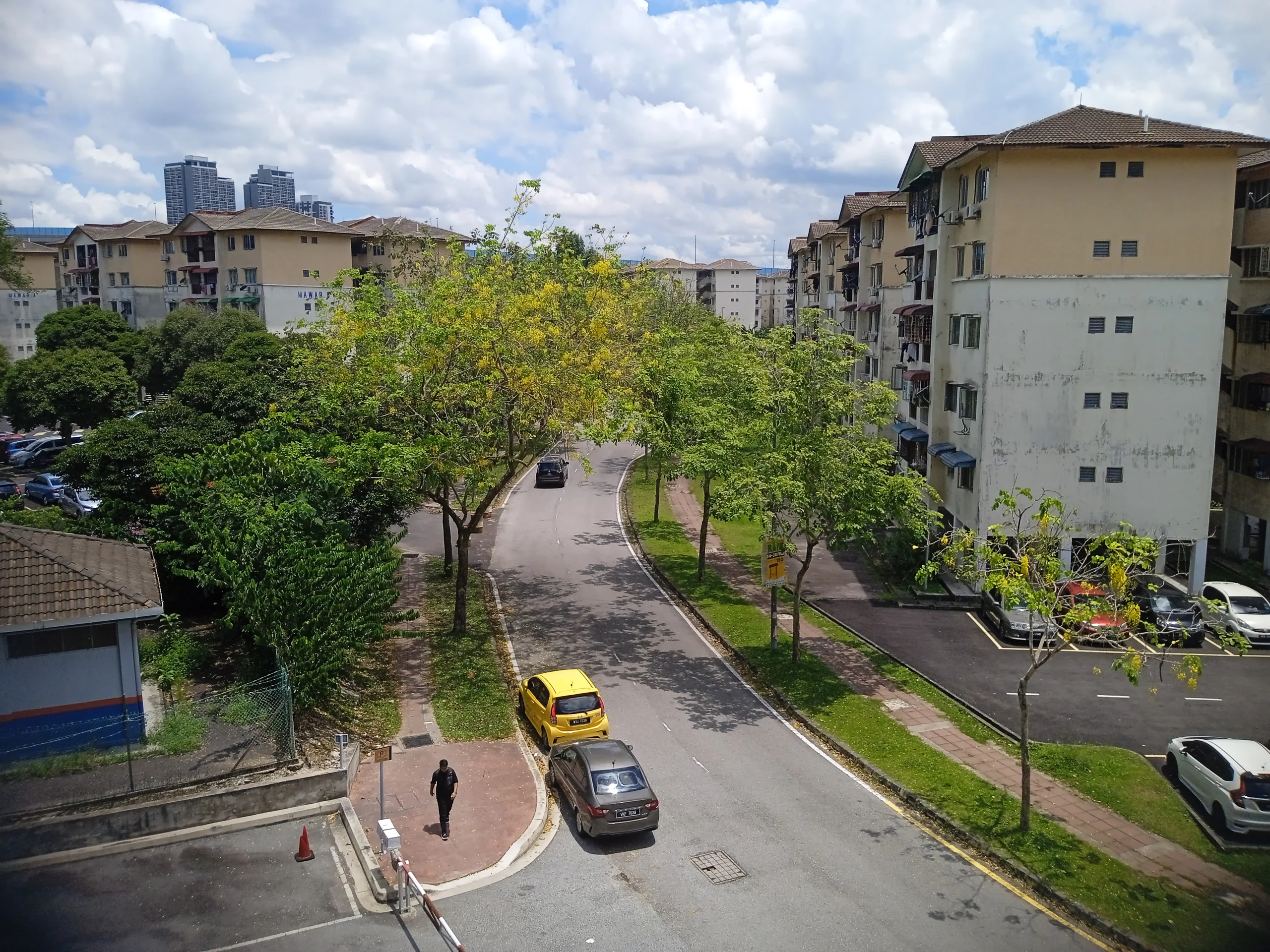 Workspace in CyberportExplore ›
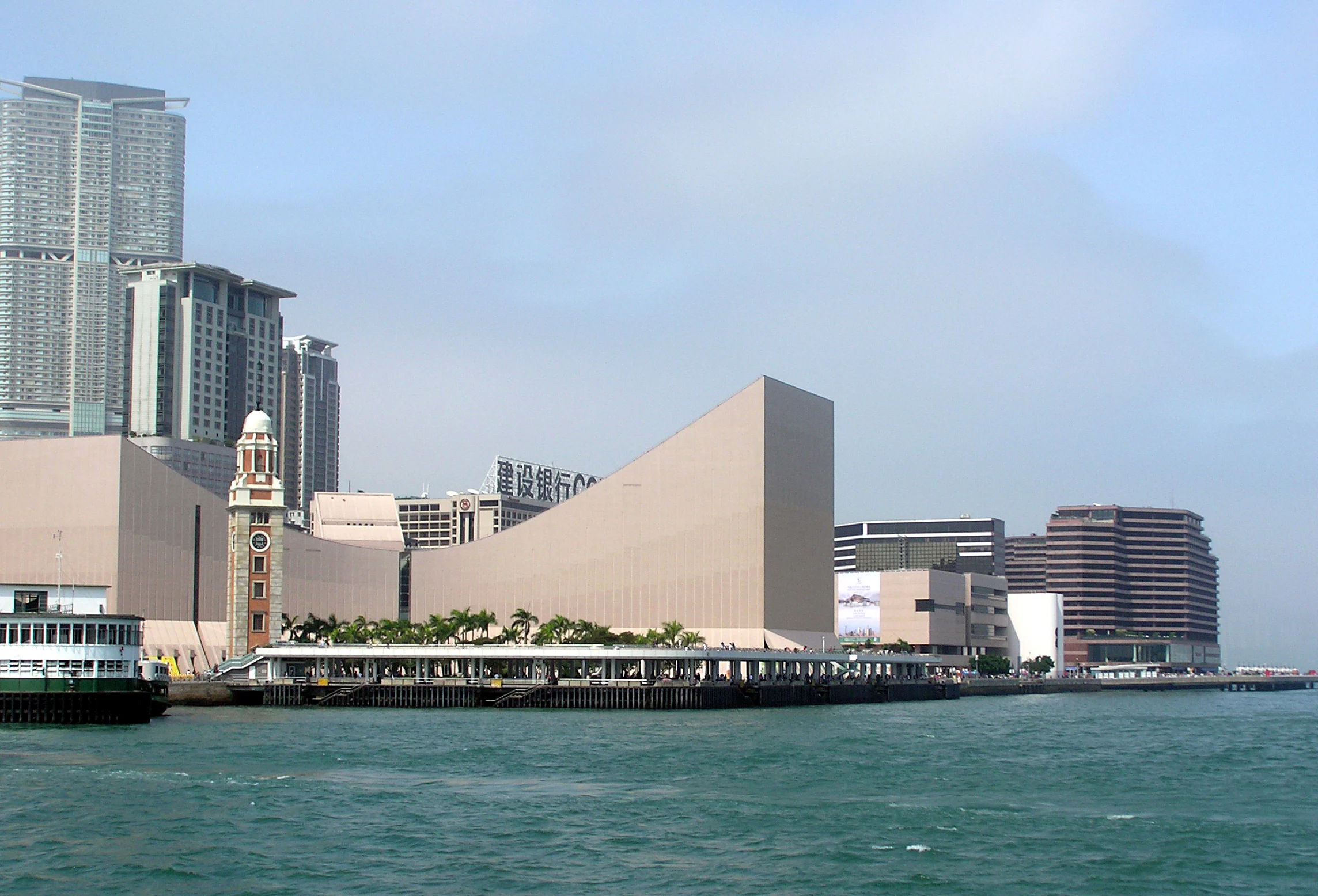
 Workspace in Tsim Sha TsuiExplore ›
 Workspace in Hung HomExplore ›
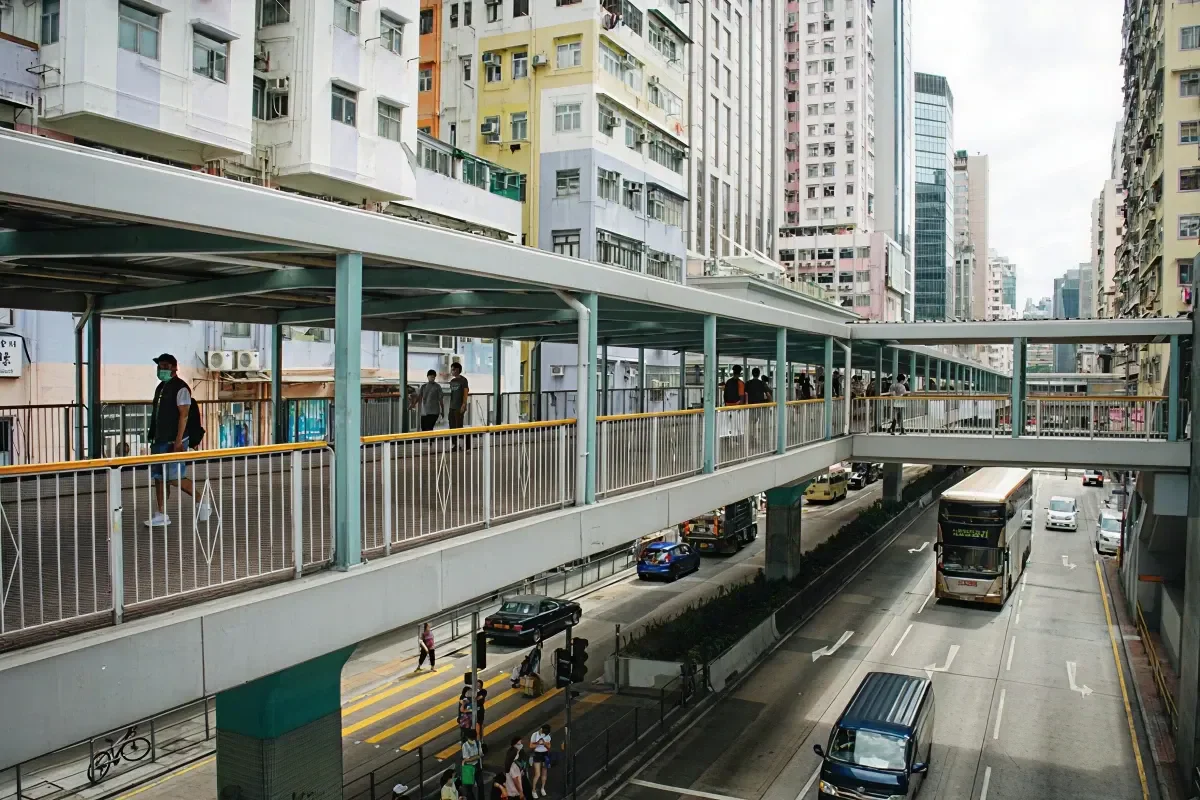
 Workspace in Mong KokExplore ›
 Workspace in Kowloon BayExplore ›
 Workspace in Kwun TongExplore ›
 Workspace in Kowloon TongExplore ›
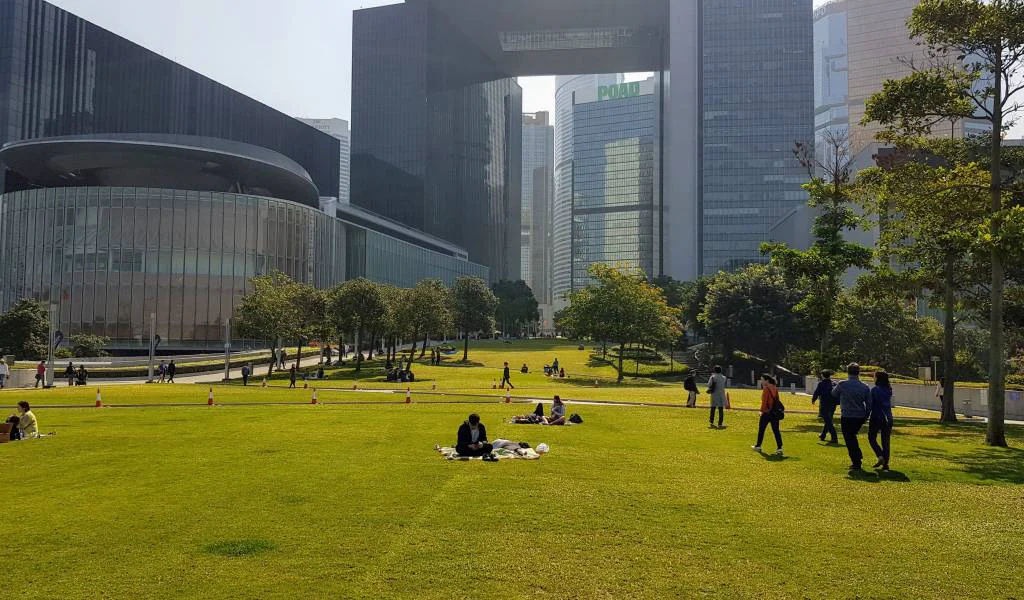 Workspace in Kai TakExplore ›
 Workspace in San Po KongExplore ›
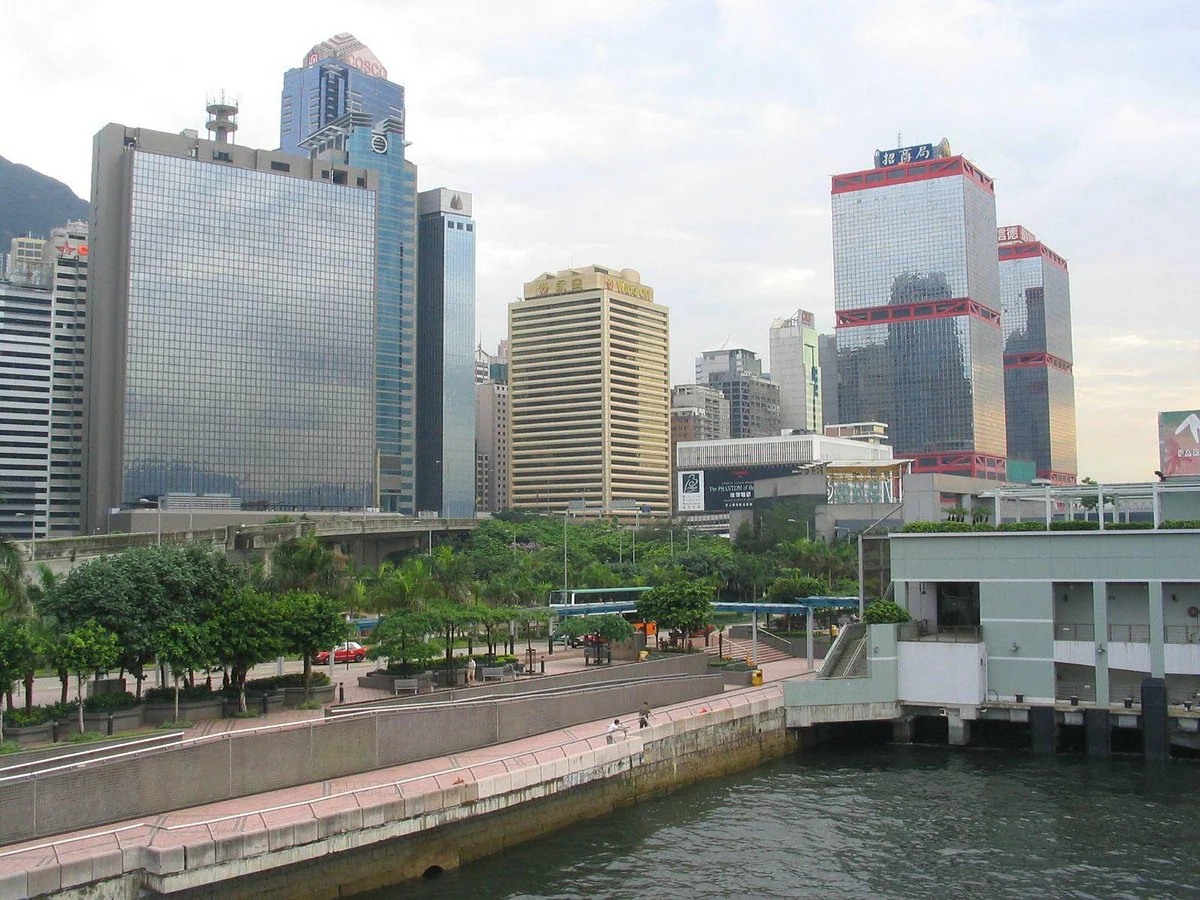 Workspace in Lai Chi KokExplore ›
 Workspace in Cheung Sha WanExplore ›
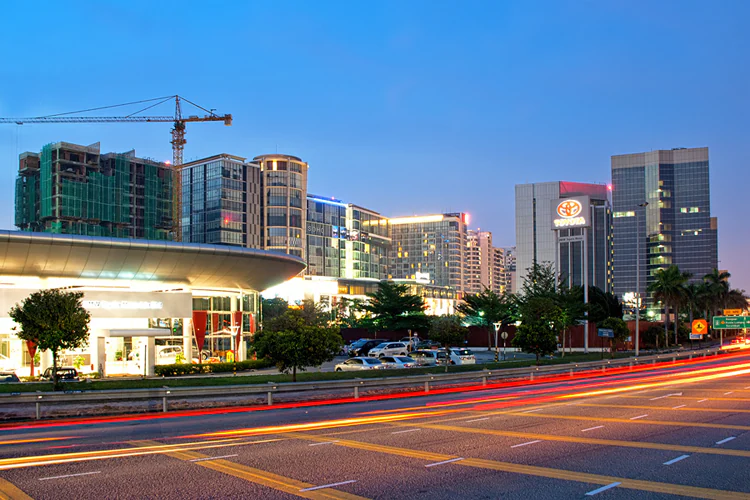
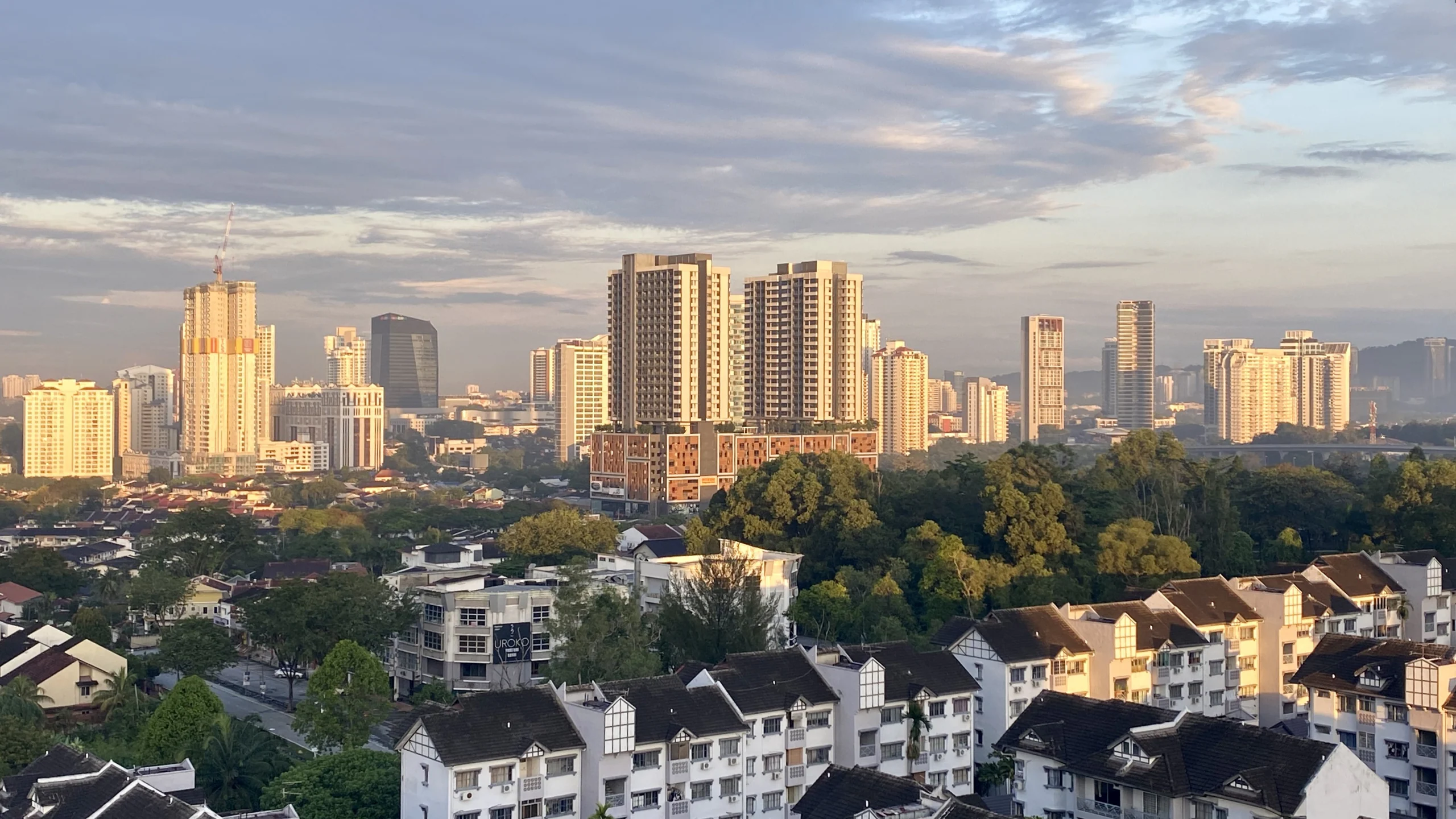
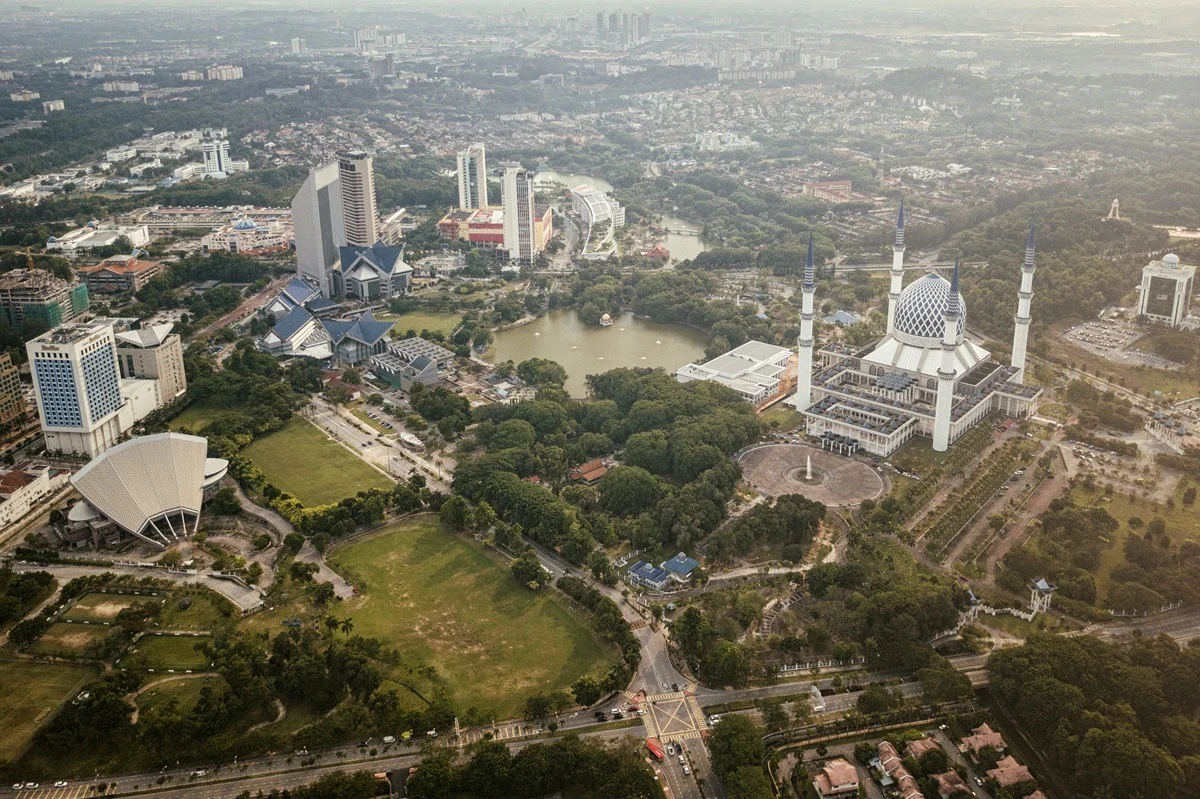
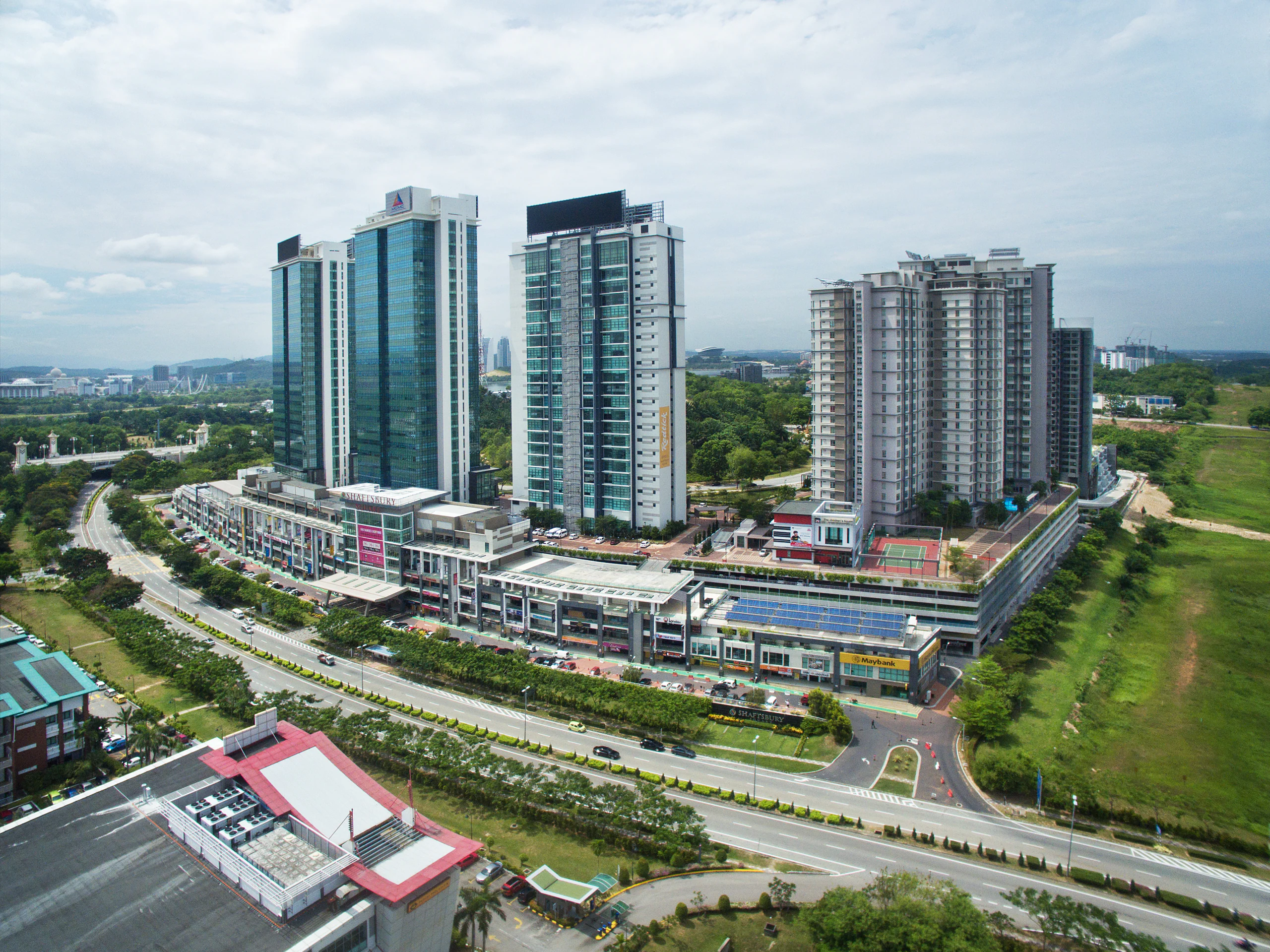
Explore workspace across Kuala Lumpur, Petaling Jaya and nearby Greater Kuala Lumpur business areas.
CONNECTED PRODUCTS & SERVICES
Each product remains a separate choice. Add it only when the work, privacy, meeting or business-presence requirement makes it useful.
PAY-AS-YOU-GO OR MEMBERSHIP
Pay as you go when use is occasional. Compare TLB Membership when recurring access, allowances, TLB Credit and wider platform benefits become more useful.
FREQUENTLY ASKED QUESTIONS
Compatibility is confirmed for the selected room and required account or connector before booking.
A test can be requested and is included only where stated.
Only if live support is explicitly included or added.
Recording depends on equipment, participant consent and site rules and must be confirmed in advance.
No service should be presented as failure-proof. TLB confirms the stated connectivity and any backup arrangement.
 Hong Kong
 Malaysia